Efficient processes and first-class customer service are important for a wide range of industries, including food delivery services. Powerful software solutions form the foundation for achieving both. In this article, we present the key features of modern food delivery service software, highlight the differences between cloud-based and on-premises solutions, and show how integrations and interfaces can further increase efficiency.
Key Features of Modern Food Delivery Service Software
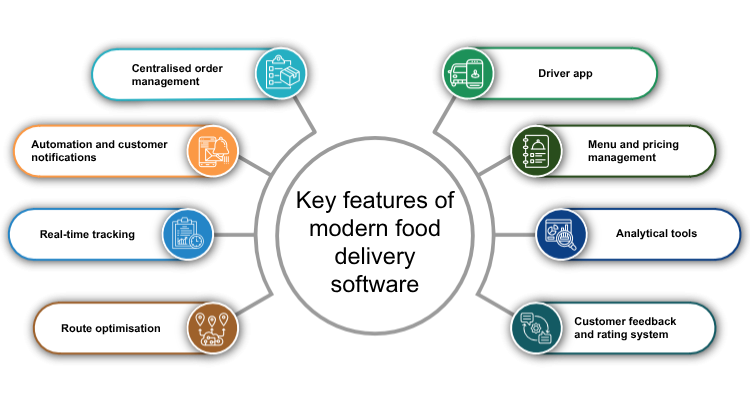
Centralized Order Management
A central platform for managing all orders from various channels – such as a company’s own website, mobile apps, and third-party platforms – is particularly important for efficient operations. Such a platform enables rapid order processing, even during periods of high demand. This feature allows companies to simplify workflows, minimize errors, and maintain a clear overview of orders.
Automation and Customer Notifications
Food delivery service software generally automates time-consuming tasks such as order confirmations, payment processing, and forwarding orders to delivery drivers. At the same time, automatic notifications via email or SMS inform customers about every step of their order.
Real-Time Tracking
Customers and restaurants alike benefit from real-time tracking. Customers can view the status and location of their delivery at any time, while restaurants can efficiently monitor their delivery vehicles. This improves transparency, increases customer trust, and enables quick problem-solving in the event of delays.
Route Optimization
Route optimization plays a central role in increasing the efficiency of food delivery services. By calculating optimal delivery routes, time and fuel costs can be saved, which is a decisive advantage especially for time-sensitive deliveries such as food. Algorithms analyze traffic patterns and real-time conditions to ensure that orders arrive quickly and on time, even in areas with heavy traffic.
Driver App
An app for delivery drivers facilitates communication between the restaurant, driver, and customer. Drivers receive clear instructions via the app regarding pickup and delivery locations, current route plans, and the ability to update the status of a delivery. This improves efficiency and minimizes misunderstandings.
Menu and Price Management
Restaurants can update menus, add new offers, or adjust prices with just a few clicks. This feature is particularly useful for responding to market conditions, seasonal fluctuations, or special promotions. Changes are synchronized immediately across all channels so that customers always see the latest information.
Analytics Tools
The software collects and analyzes sales data, such as popular dishes, peak times, and average order values. This information helps companies make informed decisions, identify trends, and continuously optimize their services. A graphical representation of the data in dashboards enables quick and easy interpretation of the results.
Customer Feedback and Rating System
An integrated system for capturing customer feedback and ratings is essential for quality control. Customers can rate their experiences and leave suggestions, helping service providers identify weaknesses and improve their services. Positive reviews strengthen brand reputation and build trust among new customers.
Integrations and Interfaces
Whenever another software solution is introduced into a company, integrations and interfaces are crucial for seamlessly connecting the existing different systems with the new software. If the important software solutions are well linked, automated data exchange can take place.
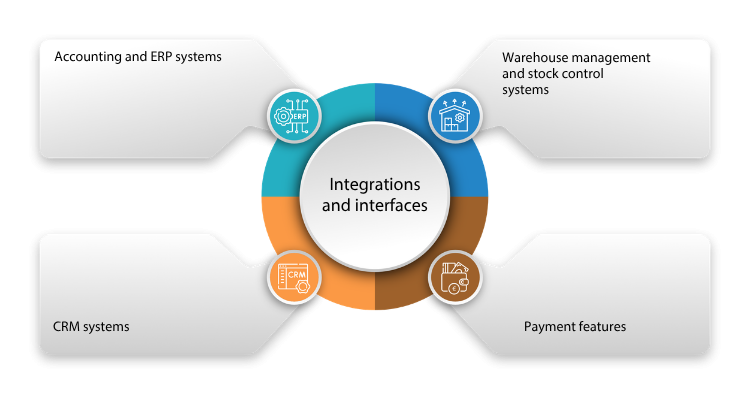
Accounting and ERP Systems
Linking delivery service software with accounting or ERP systems should be a top priority during integration in order to optimize finance, accounting, and resource management. The connection ensures automated invoicing and bookkeeping, as well as a real-time overview of revenue, expenses, and inventory.
CRM Systems (Customer Management)
In particular, the connection to a CRM tool is important if the food delivery service software does not include corresponding built-in functions. A perfect integration offers the option to create customer profiles with preferences and order history, automate marketing campaigns, and improve customer loyalty through tailored offers.
Warehouse Management and Inventory Control Systems
Linking delivery service software with warehouse management and inventory control systems ensures synchronization of orders with stock levels in order to avoid over-ordering or shortages. The integration allows real-time insight into available ingredients and products, automatic reordering, and better planning.
Payment Functions
To offer flexible and secure payment methods, integration with payment platforms such as PayPal or Klarna, as well as with various payment methods such as credit cards, e-wallets, or instant bank transfer, is advantageous.
APIs: The Key to Integration
Most modern software solutions offer APIs (Application Programming Interfaces) that function as interfaces between different systems. APIs enable:
-
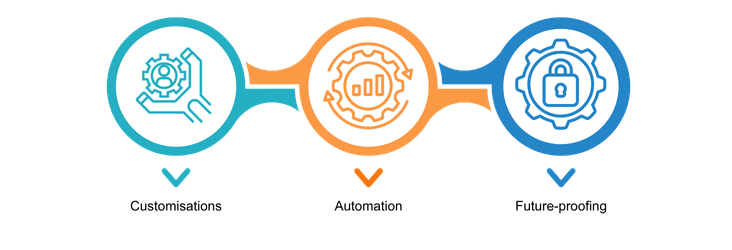
Custom Adaptations: Connecting different tools according to specific requirements.
-
Automation: Smooth data transfer between systems.
-
Future-Proofing: Flexibility when integrating new technologies or platforms.
Challenges in Integration
-
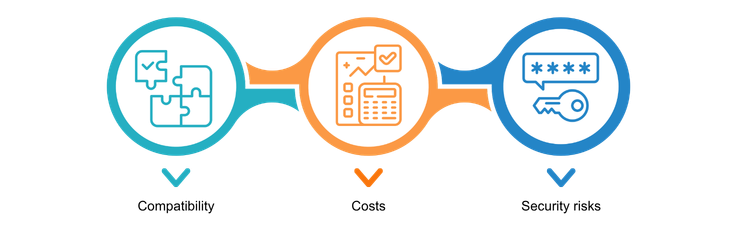
Compatibility: Not every software solution can be integrated without difficulty. It is advisable to check this as part of the software selection process!
-
Costs: Setting up and maintaining integrations can involve additional effort.
-
Security Risks: If implemented improperly, interfaces can create security vulnerabilities.
Cloud-Based vs. On-Premises Solutions for Food Delivery Services
Cloud-Based Software
Cloud-based software is provided over the internet and hosted on the provider’s servers. Users access it via a web browser or mobile apps.
Advantages
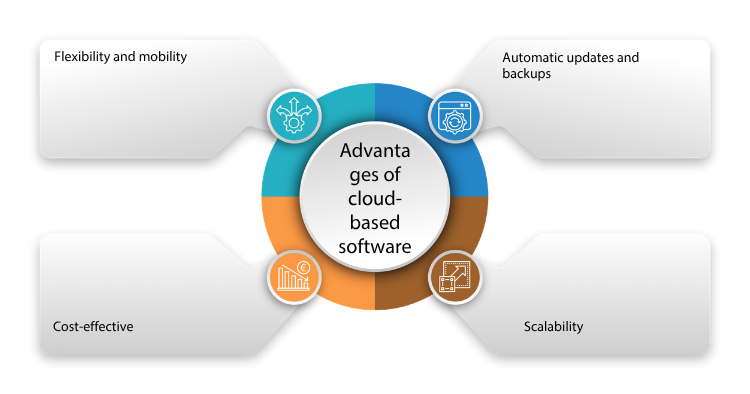
Flexibility and Mobility
The software can be accessed from anywhere as long as there is an internet connection. This is ideal for delivery services.
Cost Efficiency
There are no high upfront investments required for hardware or IT infrastructure within the company. Cloud-based software is often available as a subscription model (Software as a Service, SaaS), which makes costs predictable and easy to manage.
Automatic Updates and Backups
Cloud software is regularly updated automatically by the provider without requiring user intervention. Security updates and new features are available immediately. Providers also often handle data backup and ensure regular backups.
Scalability
Another advantage of cloud-based software for food delivery services is scalability through the easy addition or removal of users and functions as needed. This makes such cloud software particularly suitable for growing companies or those with seasonal fluctuations.
Challenges
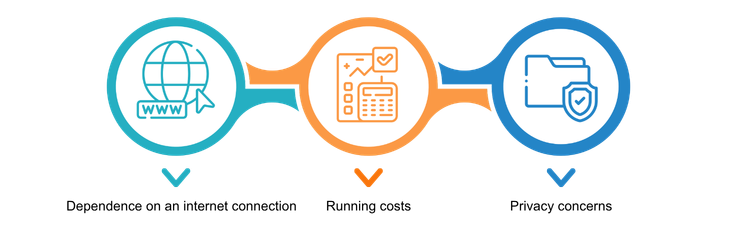
Dependence on Internet Connection
Access to cloud-based software requires a stable internet connection. If this stable connection is not available, the operation of the food delivery service may be impaired.
Ongoing Costs
While initial costs are low, the monthly fees can add up over long-term use.
Data Protection Concerns
Your data and your customers’ data are stored on the provider’s servers. Companies must ensure that they are managed in compliance with the GDPR.
On-Premises Solutions
Advantages
On-premises software is installed and operated on a company’s own servers or computers. The data remains on-site within the company.
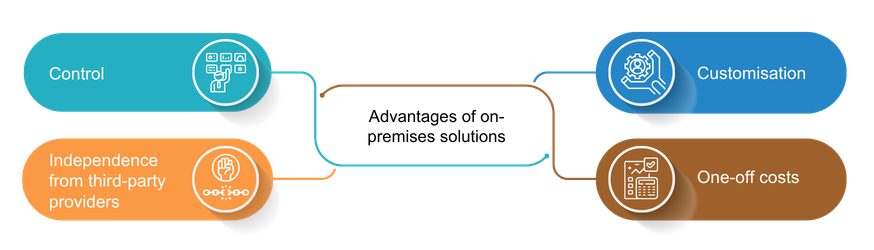
Control
The data and operation of the software are subject to the company’s control and supervision. There is no external access to sensitive company information as long as appropriate security systems are in place and can withstand potential cyberattacks.
Independence from Third-Party Providers
There is no dependence on external service providers for operation or maintenance. Use within the company is possible without an internet connection.
Custom Adaptation
Under certain circumstances, on-premises software can be adapted more extensively to the specific requirements of your company.
One-Time Costs
After acquisition and implementation, there are generally no recurring license fees.
Challenges
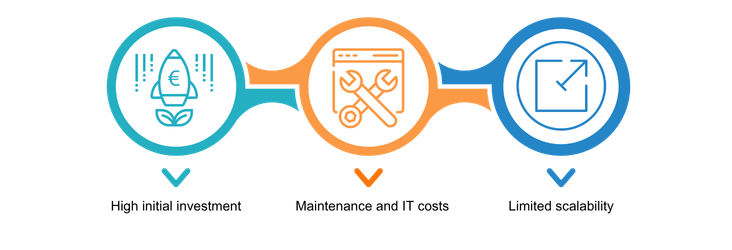
High Initial Investments
Operating software on-premises can involve high initial investments, as appropriately equipped IT infrastructure must be available, software licenses must be purchased, and additional time and costs for installation, maintenance, and updates must also be taken into account.
Maintenance and IT Effort
With on-premises operation, companies themselves are responsible for maintenance, security updates, and backups. This requires appropriate internal IT staff or the use of external service providers.
Limited Scalability
Scaling on-premises software can be expensive and time-consuming, as hardware and infrastructure must be expanded accordingly.
Table: Comparison of Cloud-Based Software and On-Premises
| Criterion | Cloud-based | On-premises |
| Costs | Low initial costs, ongoing fees | High investments in equipment and personnel |
| Flexibility | Access from anywhere, high scalability | Access only on-site, limited scalability |
| IT Effort | Maintenance by provider | Maintenance and updates by in-house IT team |
| Security | Provider’s security standards | Full control, higher effort |
| Internet Dependence | Required | Not required |
| Adaptability | Limited by the provider | Customizable |
Decision-Making Aid
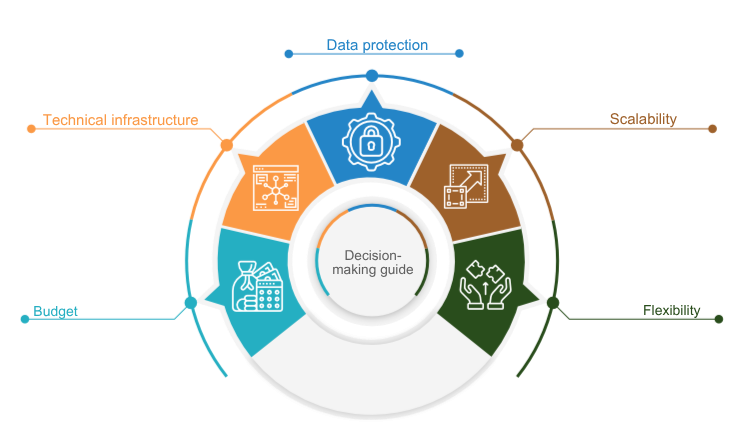
When deciding between cloud and on-premises, the following factors should be considered:
-
Budget: Available start-up capital and long-term cost planning.
-
Technical Infrastructure: Existing IT capacities and technical know-how within the company.
-
Data Protection: Industry-specific and legal requirements for data storage.
-
Scalability: Planned growth targets and future requirements.
-
Flexibility: Need for mobile access and real-time data.
By carefully weighing the advantages and disadvantages, the right solution can be found for the individual requirements of a food delivery service and catering business.
SoftGuide provides free support in the selection process with its research service.
Conclusion
This article provides a comprehensive overview of the key aspects involved in selecting food delivery service software. It explains how modern software solutions can increase the efficiency and service quality of delivery services through centralized order management, automation, real-time tracking, and route optimization. At the same time, it clearly highlights the importance of integrations with accounting, CRM, or warehouse management systems for seamless processes and data transparency. The comparison of cloud-based and on-premises solutions offers a sound basis for decision-making. The choice depends largely on the company’s individual requirements, budget, and data protection needs. A careful analysis of business needs and a well-considered software selection make a decisive contribution to the success of a food delivery service. The information provided forms a valuable foundation for making informed decisions and benefiting from the advantages of modern technologies.