
Software > Multimedia Content > AI in Multimedia and Content Media > renamer.ai
AI software for intelligent file naming and organization

renamer.ai

AI software for intelligent file naming and organization


Updated on 10. Apr 2026 by FUTURISTICA d.o.o.
Demo version

What is renamer.ai?

renamer.ai is an AI-supported software for the intelligent and automatic renaming and organization of files. The solution analyzes the content of documents, images and scanned documents and generates comprehensible, meaningful file names. This turns generic names such as "Scan_001.pdf" or "IMG_2847.jpg" into clear file names with reference to document type, date, company, project or content. For companies, this means one thing above all: less search effort, more structure and significantly more professional file management.

renamer.ai is particularly interesting for organizations that regularly work with large quantities of PDFs, scans, photos and Office documents. Instead of opening, checking and renaming files manually, you can automate this step. This saves time, reduces errors and creates standardized filing structures. The software is therefore ideal for commercial departments, law firms, HR teams, consultancies, real estate companies or other service providers with a high volume of documents.

Your benefits with renamer.ai

  • Less time spent on searching, sorting and manual renaming
  • Better findability thanks to clear, content-related file names
  • More order in scan, download and document folders
  • Consistent naming across teams and departments
  • Suitable for growing document volumes and recurring processes

Highlights of renamer.ai

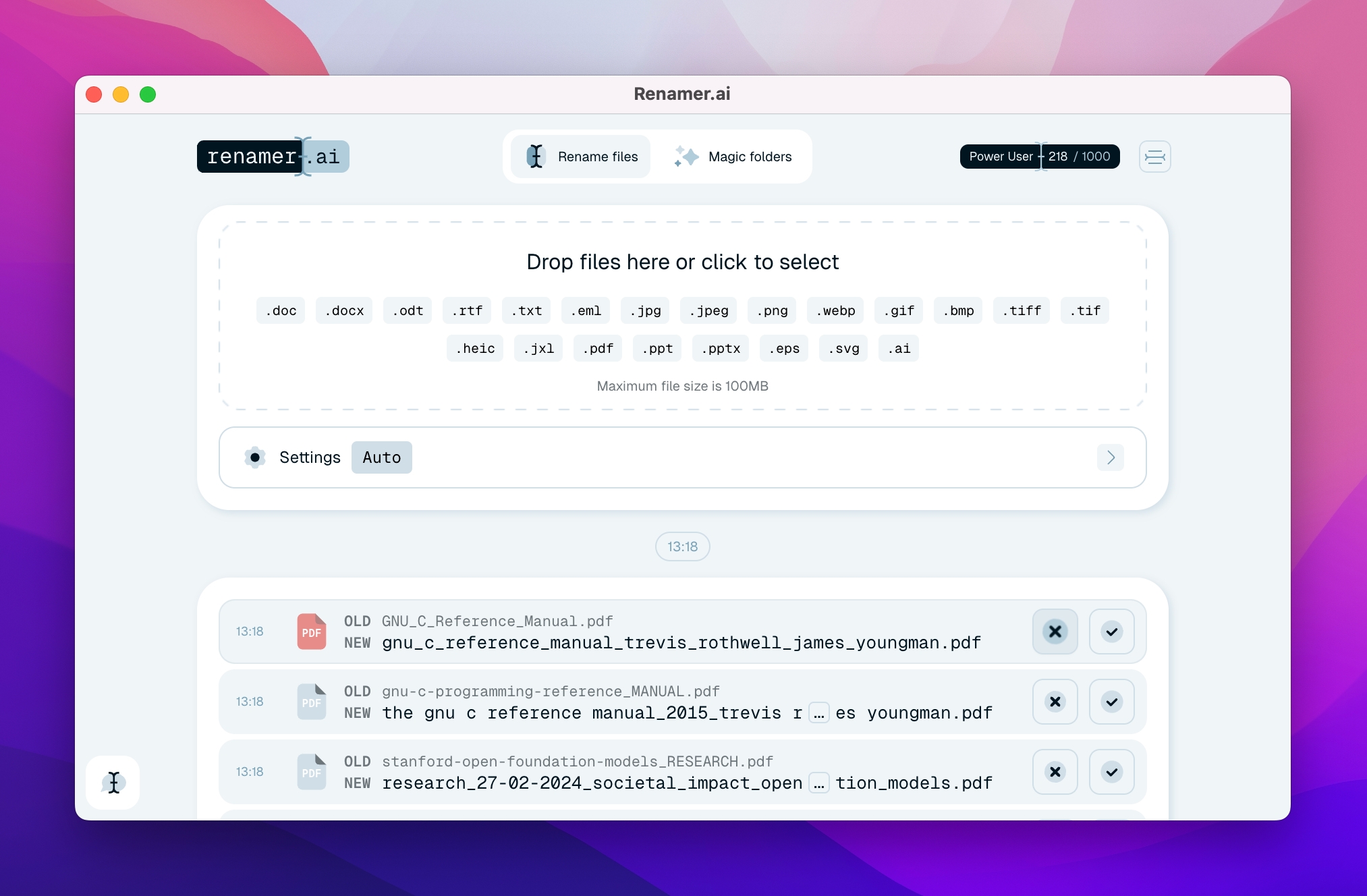
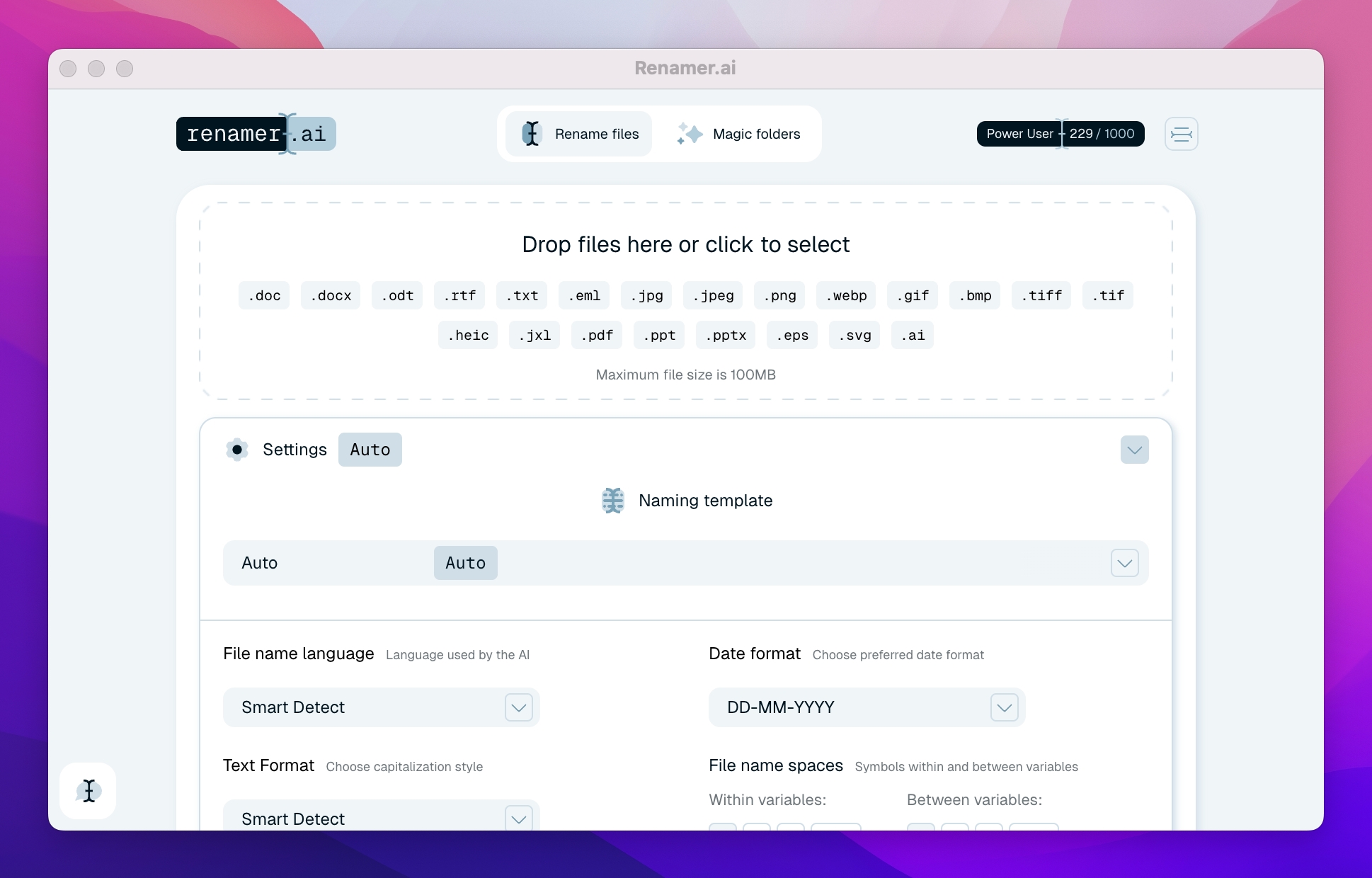
  • AI-supported content analysis for intelligent file names
  • OCR recognition for scanned PDFs and image-based documents
  • Automatic folder monitoring with Magic Folders
  • Batch processing for multiple files in one process
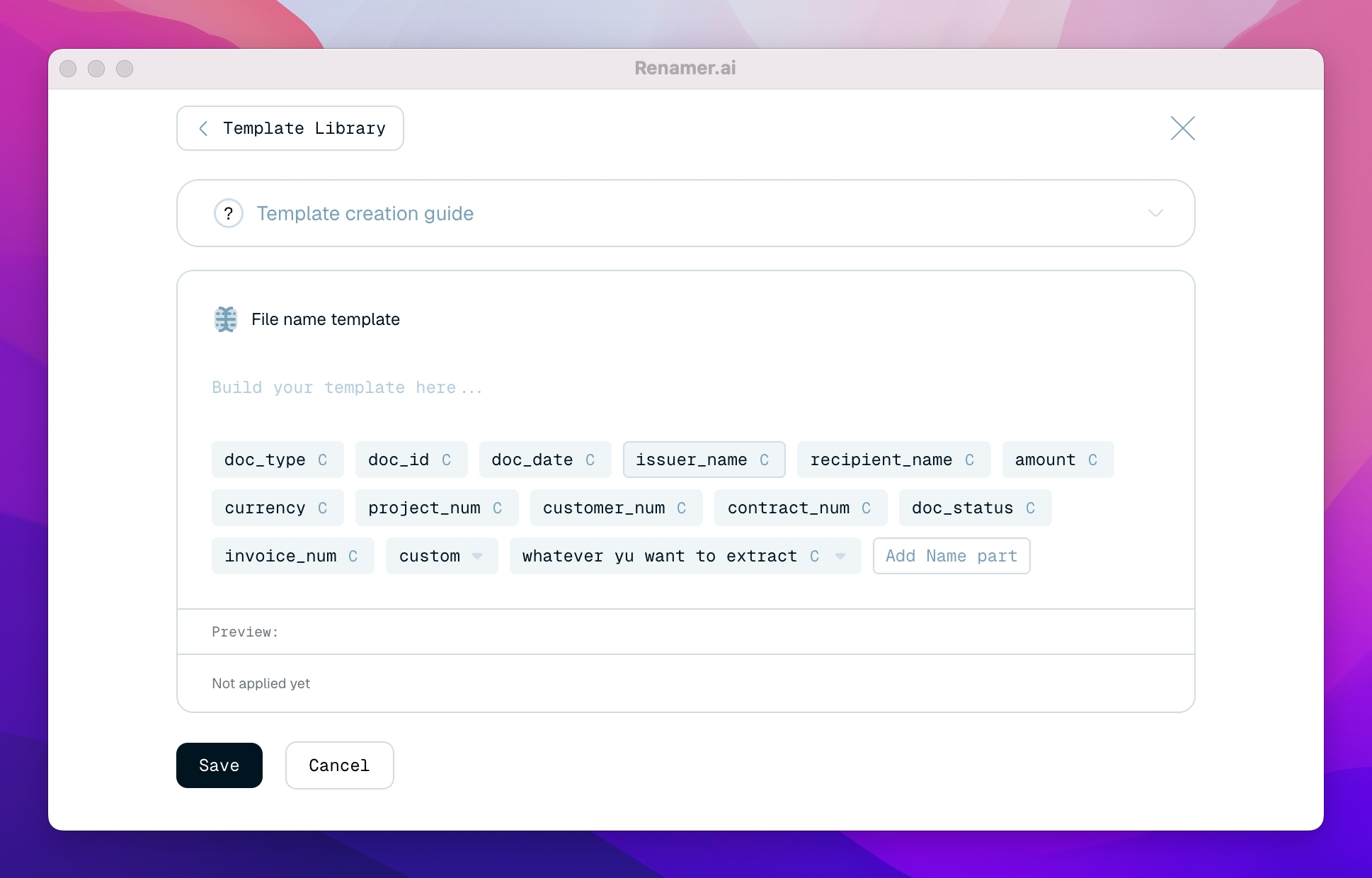
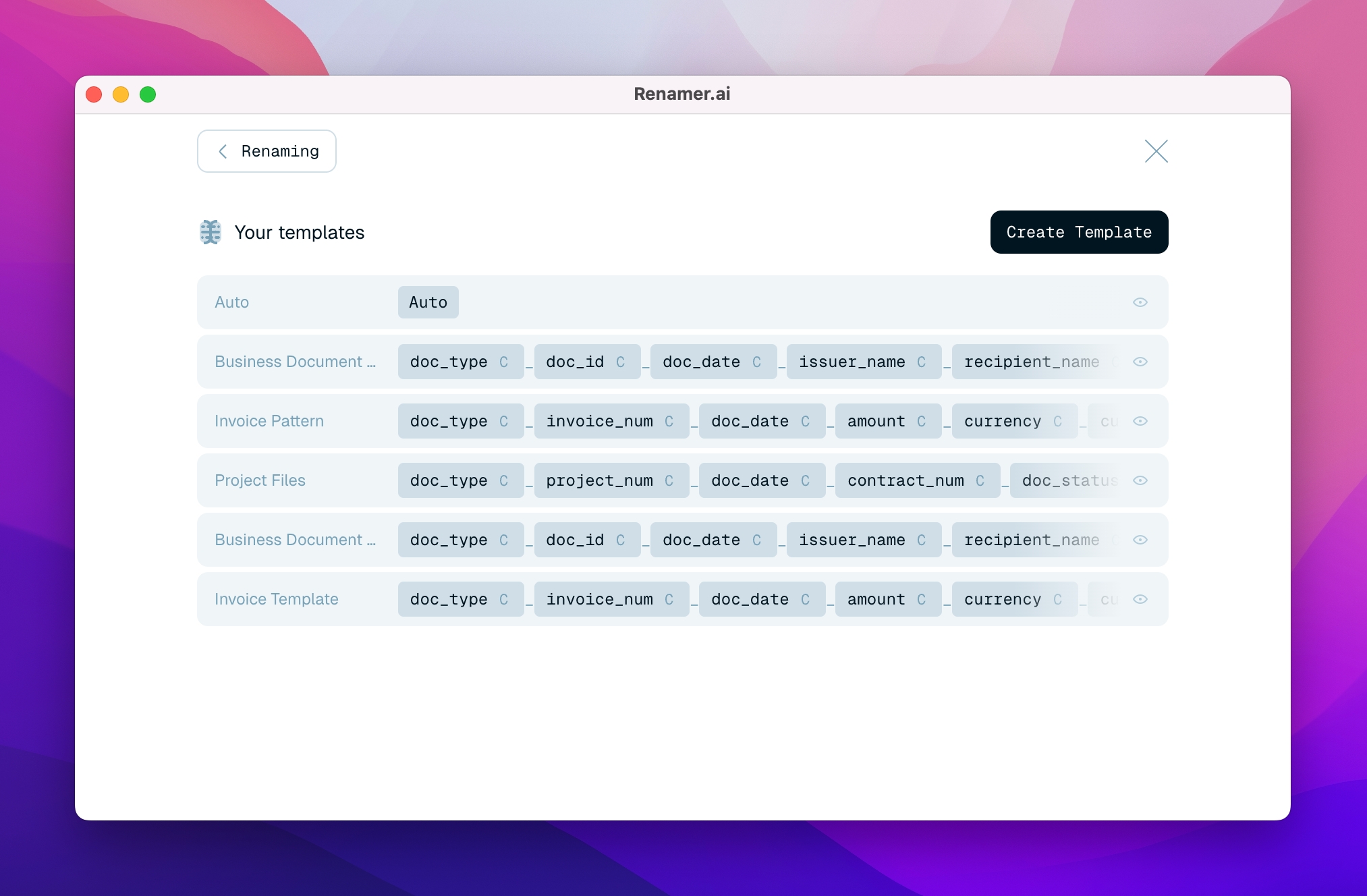
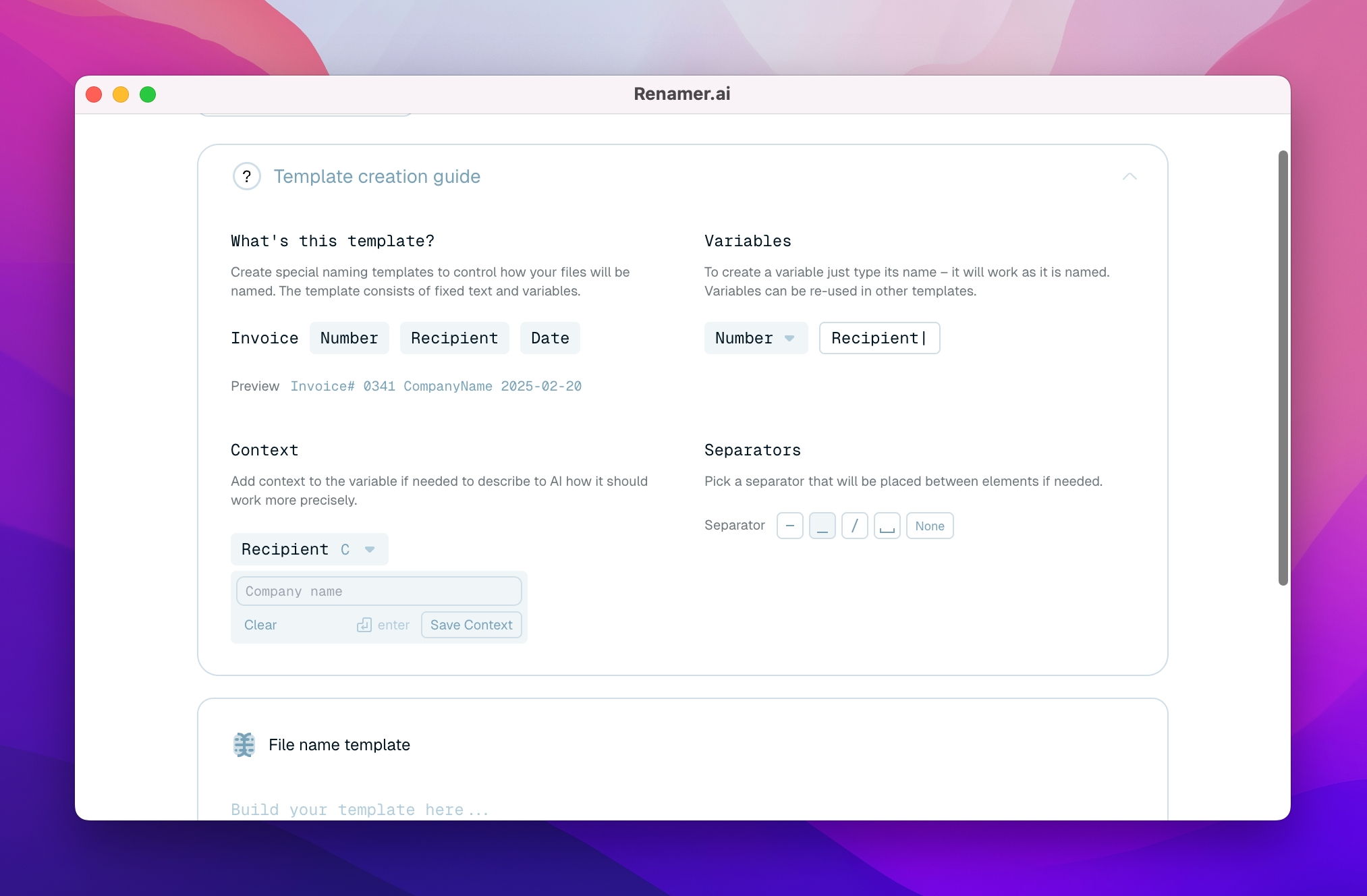
  • Customizable naming templates
  • Support for numerous file formats and multilingual content

Important features of renamer.ai

  • Analysis of PDFs, images, Office documents, tables, presentations and e-mail files
  • Extraction of relevant content such as date, document type, names, amounts or numbers
  • Background processing of new files in monitored folders
  • Template editor for defining your own file name patterns
  • Preview function before renaming
  • Undo function for corrections
  • Desktop app for Windows and Mac as well as web access for testing
  • Possibility for individual integrations and larger organizational projects

Why it's worth contacting the provider

If you want to professionalize file storage, reduce manual routines and make documents easier to find, renamer.ai offers clear added value. The solution can quickly create productivity benefits, especially with established directory structures, recurring scanning processes or high volumes of invoices, contracts and personnel documents.

Contacting the provider is particularly worthwhile if you want to check individual naming conventions, automated folder processes or integrations into existing systems.
Test renamer.ai now

Target groups:

  • Commercial departments and back office teams
  • Tax offices, accounting and finance teams
  • Legal departments, law firms and compliance officers
  • HR and personnel departments with a high volume of documents
  • SMEs, service providers and project organizations with many PDF, scan and image files
Contact information:
Contact:
Send message
Explore more about the software:
Information
directly to the product website
Video appointment
request
Software exposé
request URL
Prices
directly to the product website

Screenshots

Functions (excerpt) of renamer.ai:

AI Assistance
Automation
Collective editing
Document classification
Document input
File naming
Filing structures
Import of documents
Interfaces
Organize & Arrange
Preview function
Template management
Text Recognition (OCR)
Variable support
Word recognition automation

Prices

free of charge
Starter
from 9.95
USD
monthly
Pro
from 29.95
USD
monthly
Power User
from 99.95
USD
monthly
Ultimate

Get to know the software better! Request a video appointment for a personal presentation!

Technical specifications:

Web-based:
yes
SaaS, Cloud:
yes
On-premises (local installation):
no
AI Supported:
no
Multi-user (network-compatible):
no
Multi-client compatible:
no
Manufacturer based in:
Slovenia
Dialogue language(s):
English, German, Spanish, French, Italian, Japanese, Dutch, Portuguese, Chinese
System requirements:
Compatible operating systems (runs with):
Win 11
Win 10
Win Server
Mainframe based
Unix based
Linux based
Mac OS
Mobile OSs (supports):
iOS
Android