The use of project management software offers organizations and teams a wide range of advantages. The software supports organizations and teams in the efficient planning, management, and execution of projects. As a central platform, it serves as a collection point for all project information and activities. As a result, it makes a significant contribution to completing projects on time and within budget, while also helping to increase operational efficiency.
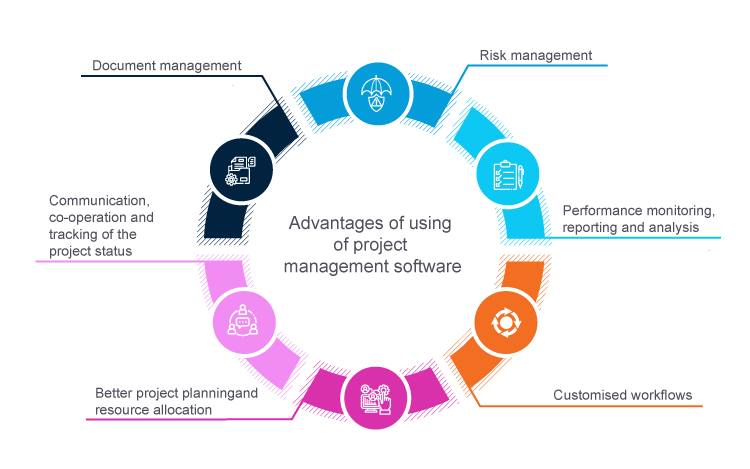
To ensure these advantages, project management software includes a wide range of functionalities. It enables the structured planning of tasks, milestones, and resources. Through graphical schedules and clear process visualizations, it simplifies planning and promotes internal team communication. The software provides a real-time overview of project progress, central document storage, as well as the identification and management of project risks. It supports the performance tracking of team members and generates reports on project progress, budget, and resource utilization, among other things. A key feature is customizable workflows for adapting to individual requirements and business processes.
However, not every team actually needs every possible function of such a software solution for the chosen project management method and, above all, for its team size.
Important for small teams (max. 10 project participants): The perfect balance between high usability and collaboration
In the world of project management, less is often more, especially when it comes to small teams with a maximum of 10 project participants. The challenge is to find a software solution that not only covers the basics but also enables clear and simple task management without neglecting the possibility of collaboration.
Simple task management offers advantages!
In small teams, everything revolves around clarity. Clear and simple task management is essential to maintain focus and ensure that every team member knows exactly what needs to be done. Choosing the right functions is crucial here.
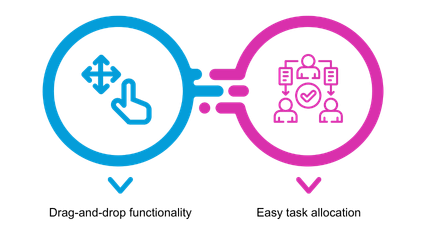
Drag-and-drop functionality:
The intuitive moving of tasks allows flexible adaptation to changing priorities. This keeps your team agile and enables it to respond quickly to new requirements.
Simple task assignment:
The ability to assign tasks easily promotes transparency within the team and prevents duplicate work. Everyone knows exactly who is responsible for which task.
Basic collaboration should not be underestimated
Even in small teams, collaboration is the key to success. While extensive collaboration features can be overwhelming, basic tools are important for making team communication effective.

Comments:
The simple ability to leave comments allows team members to ask questions, clarify issues, and exchange ideas without getting bogged down in lengthy discussions.
Simple chat function:
A quick, straightforward chat promotes direct communication. Clear agreements and fast feedback are the key to smooth processes.
Notifications:
The ability to be informed about relevant changes and updates ensures that everyone on the team is always up to date.
For small teams, it is crucial to choose project management software that strikes the right balance between clear task management and basic collaboration features. Drag-and-drop functionality for tasks and the ability to collaborate easily through comments and a straightforward chat enable efficient teamwork without getting lost in unnecessary features.
Project management software for growth: Optimal tools for mid-sized teams
For mid-sized teams with between 10 and 50 project participants, efficient tools and advanced features are crucial. These primarily include advanced task management, real-time collaboration, and sophisticated reporting. These functions not only improve efficiency but also make it possible to guide the team more effectively on the path to success. In the world of project management, it is essential that your tools grow with your team and not the other way around.
Advanced task management is of crucial importance
As the team grows, the complexity of tasks increases. Precise management becomes indispensable in order to maintain an overview and increase efficiency.
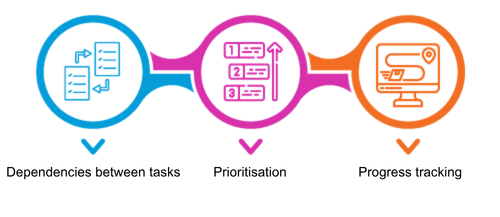
Dependencies between tasks:
To ensure that tasks are completed in the correct order, dependencies enable precise timing and a clear connection between different work packages.
Prioritization:
Given the large number of tasks, it is important to know which ones should be tackled first. The prioritization function makes it easier to focus on the most important tasks.
Progress tracking:
To ensure that the team is on the right track, progress tracking enables the monitoring of tasks and projects in real time.
Real-time collaboration is essential
Mid-sized teams need faster and more efficient communication to ensure smooth processes and better collaboration.
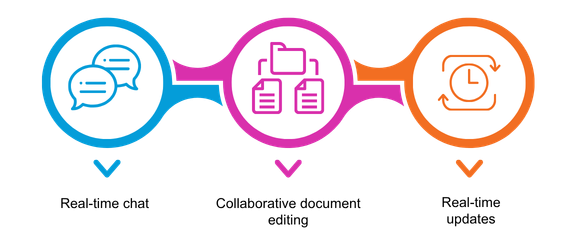
Real-time chat:
Quick decisions require quick communication. Real-time chat promotes the direct exchange of information and ideas.
Collaborative document editing:
Effective collaboration means not only communication, but also working together on documents. This function allows team members to work on the same documents in real time.
Real-time updates:
To ensure that everyone on the team is always up to date, real-time updates are essential. This helps you avoid misunderstandings and promotes transparency.
Advanced reporting increases progress
In mid-sized teams, greater transparency is needed to better understand progress and make more informed decisions.
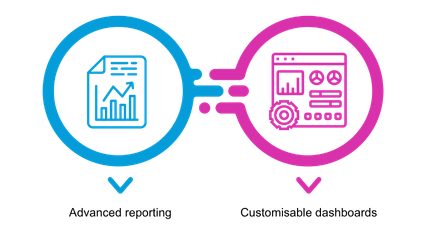
Advanced reporting:
With advanced reporting functions, you gain detailed insights into project progress, resource utilization, and other key metrics.
Customizable dashboards:
Each team member has different information needs. Customizable dashboards make it possible to see the relevant data at a glance.
Project management software for teams with more than 50 participants
Project management reaches a new dimension when teams exceed the 50-participant mark. In this environment, not only comprehensive but also specialized functions are crucial to ensure smooth operations.
Workload balancing is crucial to ensure that no team member is overloaded while others are underutilized. This promotes a balanced workload and helps prevent burnout and productivity losses.
An availability calendar provides a clear overview of the time availability of team members and resources. This allows project managers to optimize planning, avoid bottlenecks, and ensure that tasks are completed in an appropriate timeframe.
Resource management is a crucial factor in large teams
Resource planning is of crucial importance in large teams in order to ensure that the right skills and materials are available at the right time. This process enables the effective use of available resources and helps avoid bottlenecks.
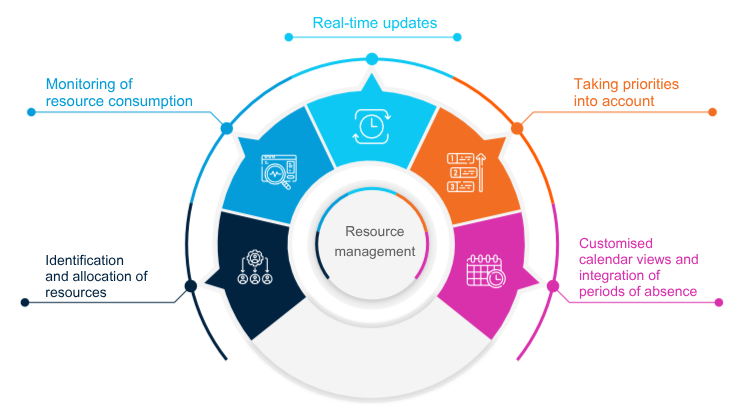
Identification and allocation of resources:
Recording all necessary resources, including human skills, technologies, and materials. Clear allocation of resources to specific tasks and projects based on the required skills and capacities.
Monitoring resource consumption:
Continuous monitoring of resource consumption to ensure that no overloads occur and that resources are used efficiently.
Real-time updates:
Real-time updates on the current status of resource utilization make it possible to respond quickly to changes.
Consideration of priorities:
Incorporation of task priorities and urgencies in allocation to ensure that important tasks are handled appropriately.
Individual calendar views and integration of absence times:
Individual views for each team member to monitor personal availability. Consideration of vacation days, training, and other absences in availability planning.
The automation of workflows offers many advantages!
The automation of workflows minimizes manual intervention in repetitive and time-consuming tasks, reduces potential sources of error, and creates more time for complex, creative work. Automated notifications immediately inform team members about important events, speed up response times, and enable proactive action.
The ability to customize notifications according to individual needs enables targeted information delivery. Automated notifications make it possible to track project status in real time without manually searching for updates.
Automation standardizes processes, ensures consistency within the team, and accelerates approval workflows. Team members can focus on strategic tasks while repetitive steps are automated, resulting in more efficient use of resources.
Advanced collaboration and efficient role management are important
In the complex dynamics of large teams, clear role definitions and optimized collaboration are of crucial importance. Efficient collaboration promotes information exchange, improves communication, and increases productivity.
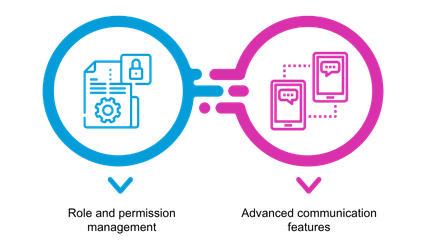
Role and permission management:
Clear roles prevent ambiguity. Clear role definitions enable reliable assignment of responsibilities, so that every team member knows exactly which tasks they are expected to take on.
Effective role and permission management enables granular assignment of access rights to ensure that team members can only access the information relevant to their tasks.
Both ensure transparency regarding responsibilities, which in turn promotes efficiency and minimizes misunderstandings.
Advanced communication features:
Advanced communication features enable real-time chats to promote quick decisions and direct interactions. Discussion options allow team members to exchange ideas, discuss problems, and jointly develop solutions. A history of communications and discussions makes it possible to trace past decisions and promotes transparency in collaboration.
Large teams should choose scalable project management software
The software must keep pace with the continuous growth of the team while providing a stable and reliable environment. Scalable software makes it possible to integrate new team members smoothly without compromising efficiency.
The requirements of a large team can change quickly. Scalable software provides the flexibility to adapt to these changes without requiring extensive reimplementation.
A modular infrastructure makes it possible to add or remove functions as needed in order to adapt to changing requirements. Scalable software enables the seamless integration of new features as the team grows and develops more demanding requirements. Cloud-based infrastructures offer a high level of scalability, as resources can be adjusted quickly when needed without affecting system performance.
In large teams, it is not only about the quantity of participants, but also about the quality of the tools. Effective project management software for large enterprises should include resource management, workflow automation, advanced collaboration and role management, as well as a scalable platform. These functions form the foundation for the success of large projects and ensure that every team member can work in a well-organized and efficient environment. With the right tools, large teams can achieve great things and master their projects with excellence. Further information and tips for selecting project management software.
Conclusion
The article provides a comprehensive overview of the essential functions that teams should consider when selecting project management software. The focus of the article is on adapting to the specific needs of teams of different sizes.
Choosing the right software solution is crucial and forms the basis for well-organized, efficient project environments. By understanding its specific requirements, each team can find the right tools and thus ensure the success of its projects.