What is Kitcast?
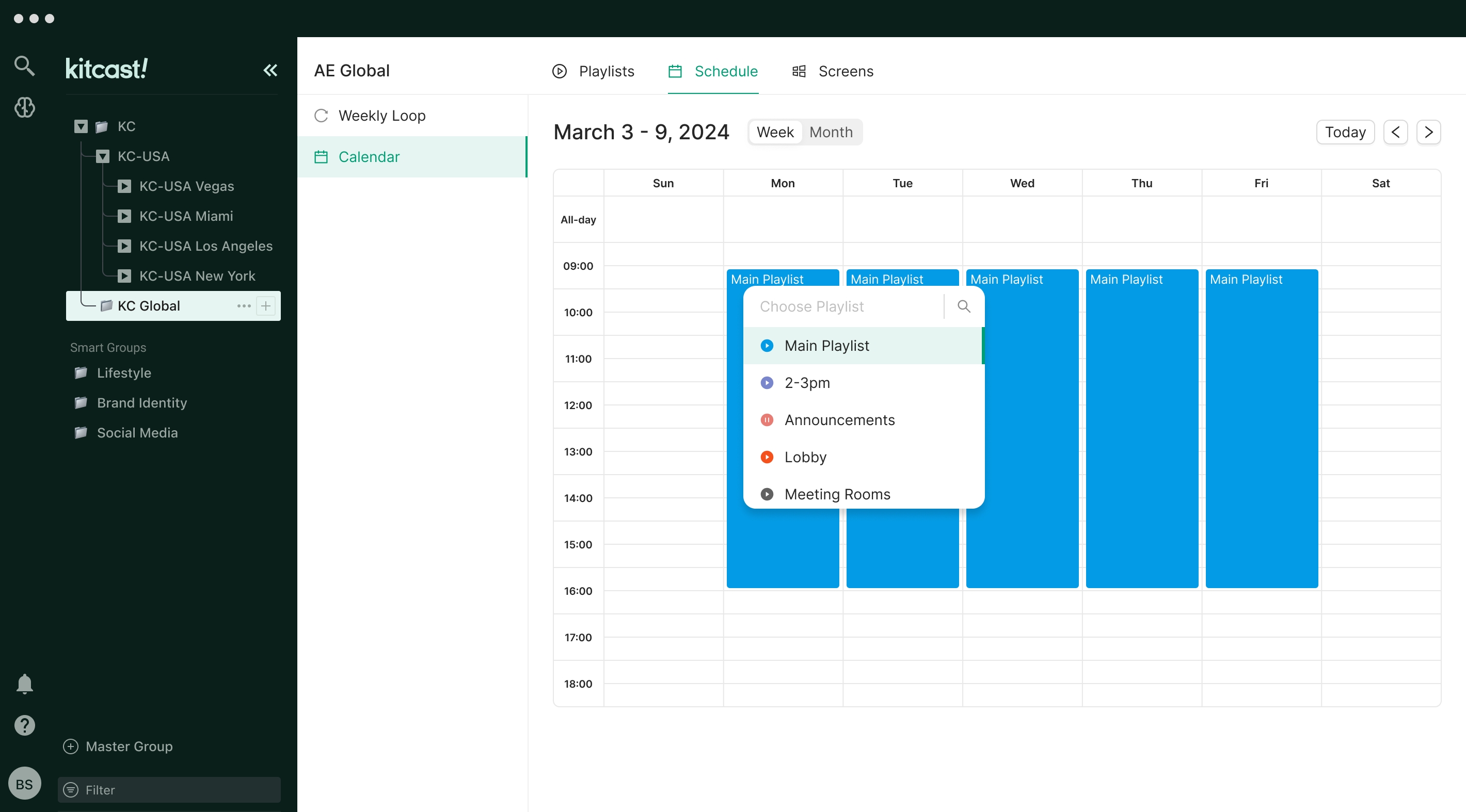
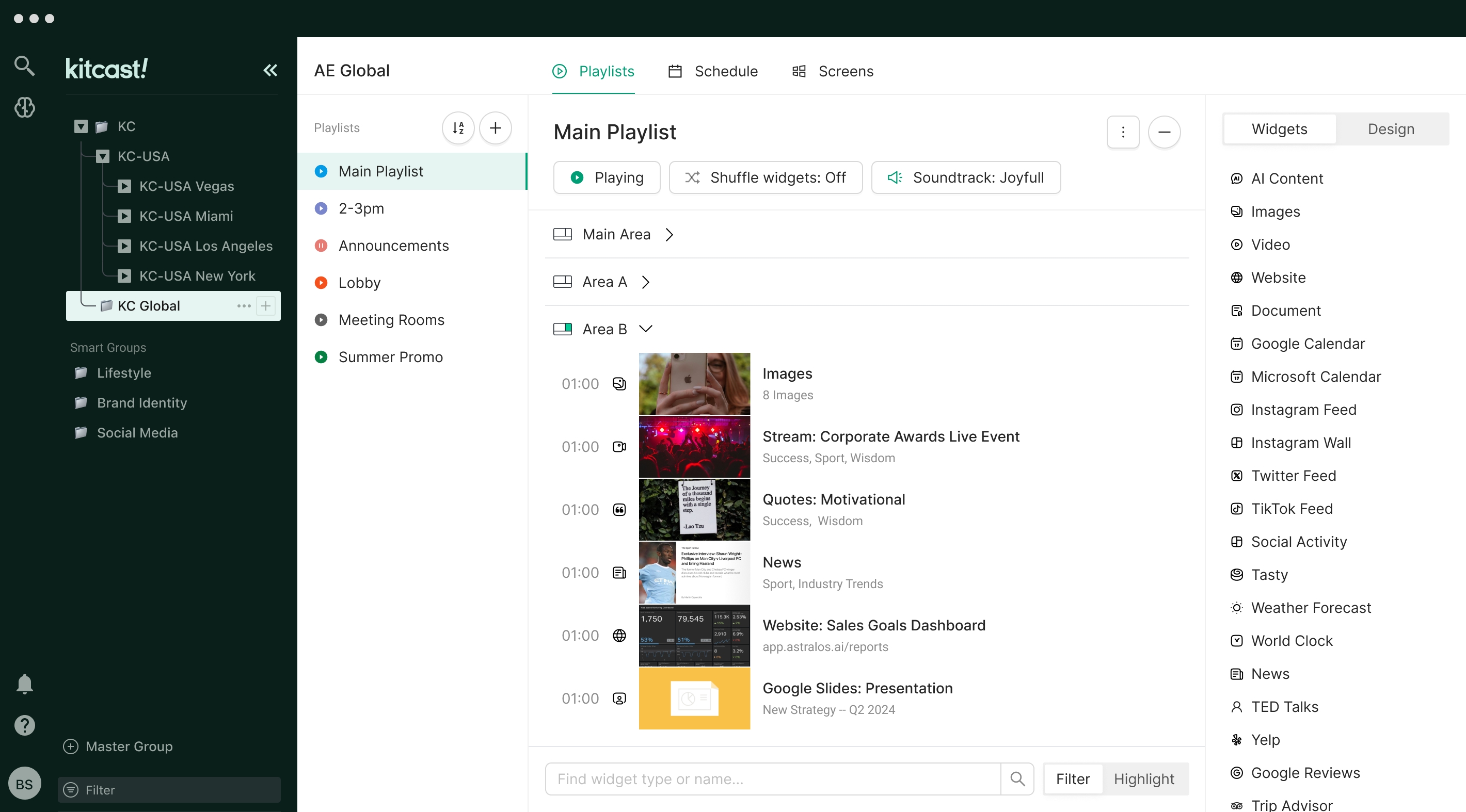
Kitcast is a digital signage software solution that enables organizations to create, schedule, and manage multimedia content across various displays. Operating as a Software as a Service (SaaS) platform, it allows users to control their digital signage remotely through a web-based interface, eliminating the need for on-premise installations. Kitcast supports a range of hardware, including Apple TV, and plans to expand compatibility to other devices in the future.
Advantages of using Kitcast:
- User-Friendly Interface: Offers an intuitive drag-and-drop editor, making content creation accessible to users without technical expertise.
- Cloud-Based Management: Enables remote content creation, scheduling, and updates from any location with internet access.
- Scalability: Suitable for businesses of all sizes, from single-location setups to multi-location networks.
- Offline Functionality: Ensures continuous playback even during internet outages, as content is cached locally on the device.
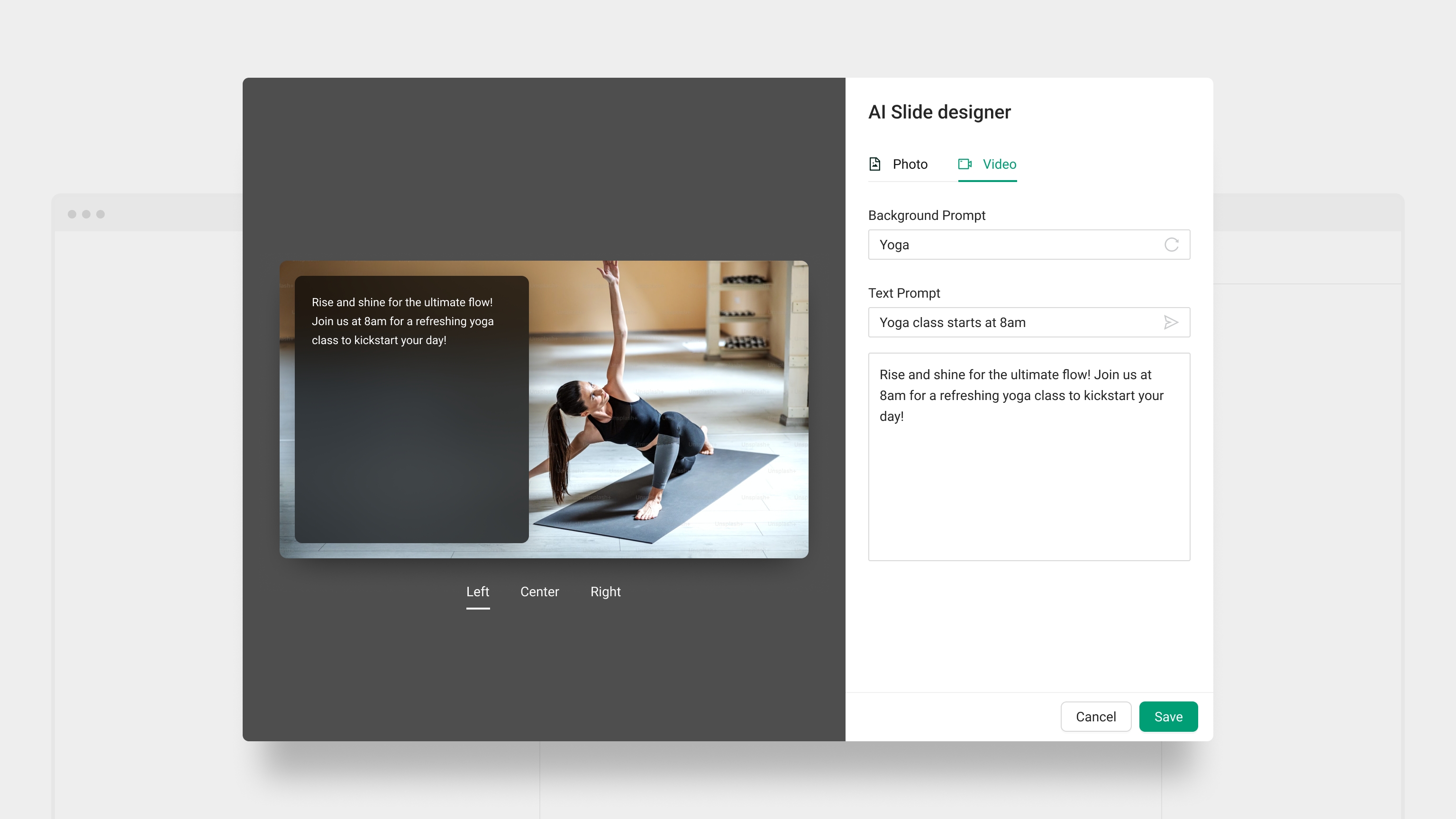
- Customizable Templates: Provides a variety of templates to create visually appealing content that aligns with brand identity.
- Real-Time Updates: Allows instant content updates across all connected displays, ensuring timely and relevant messaging.
- Interactive Features: Supports widgets for social media feeds, weather updates, and more to enhance audience engagement.
- Security and Compliance: Adheres to enterprise-grade security standards, ensuring data protection and regulatory compliance.
Functions Extract:
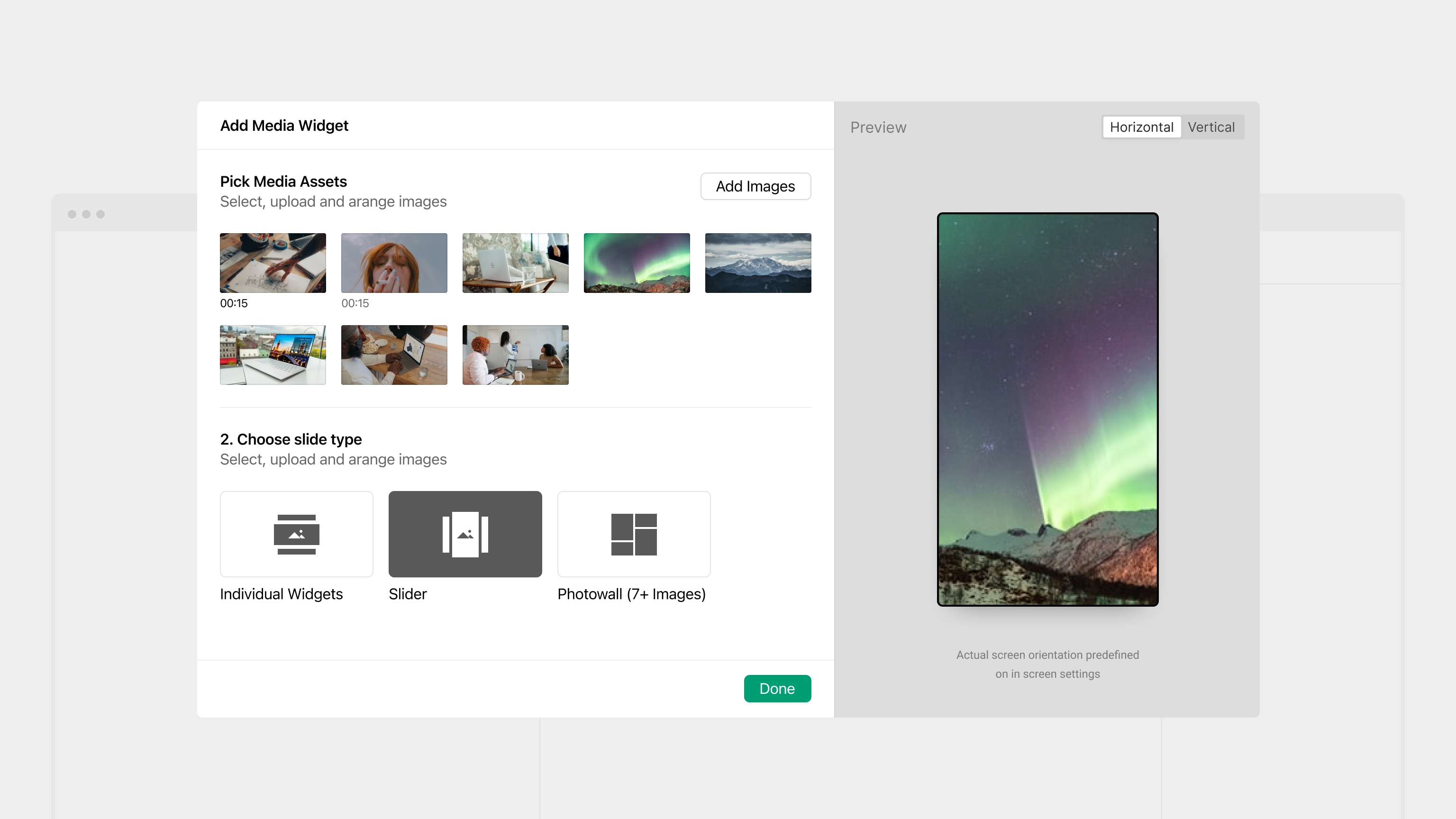
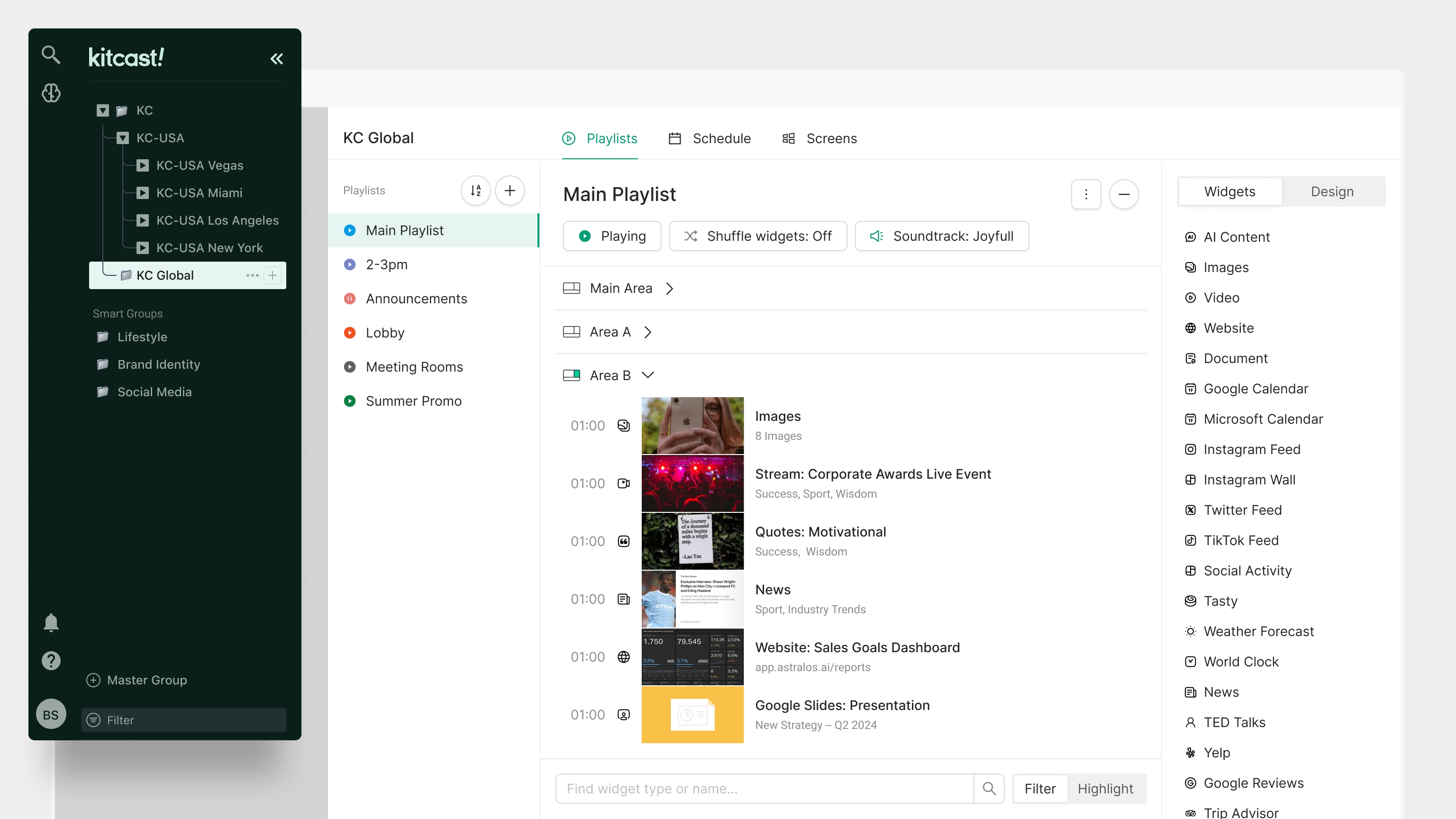
- Content creation with customizable templates and widgets
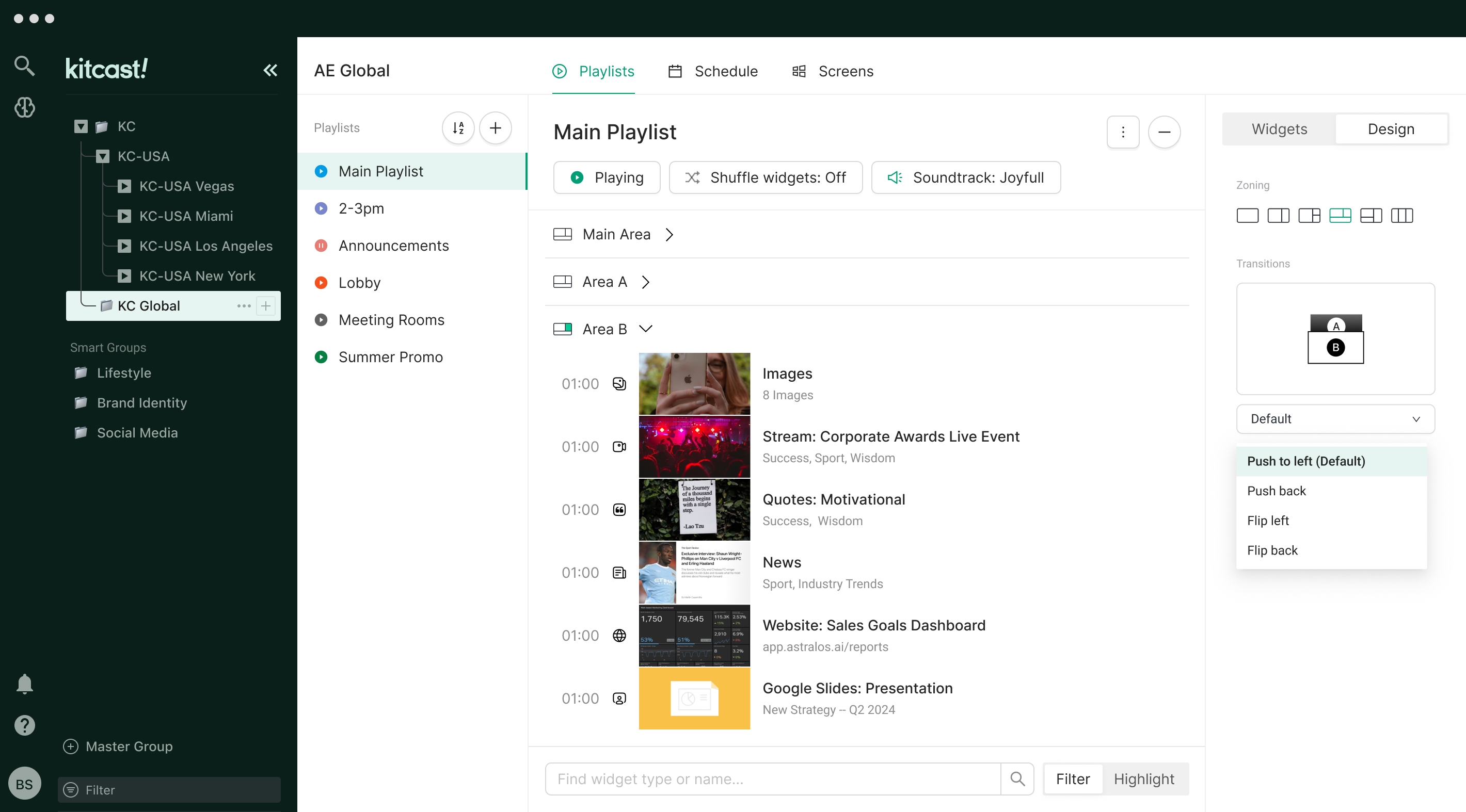
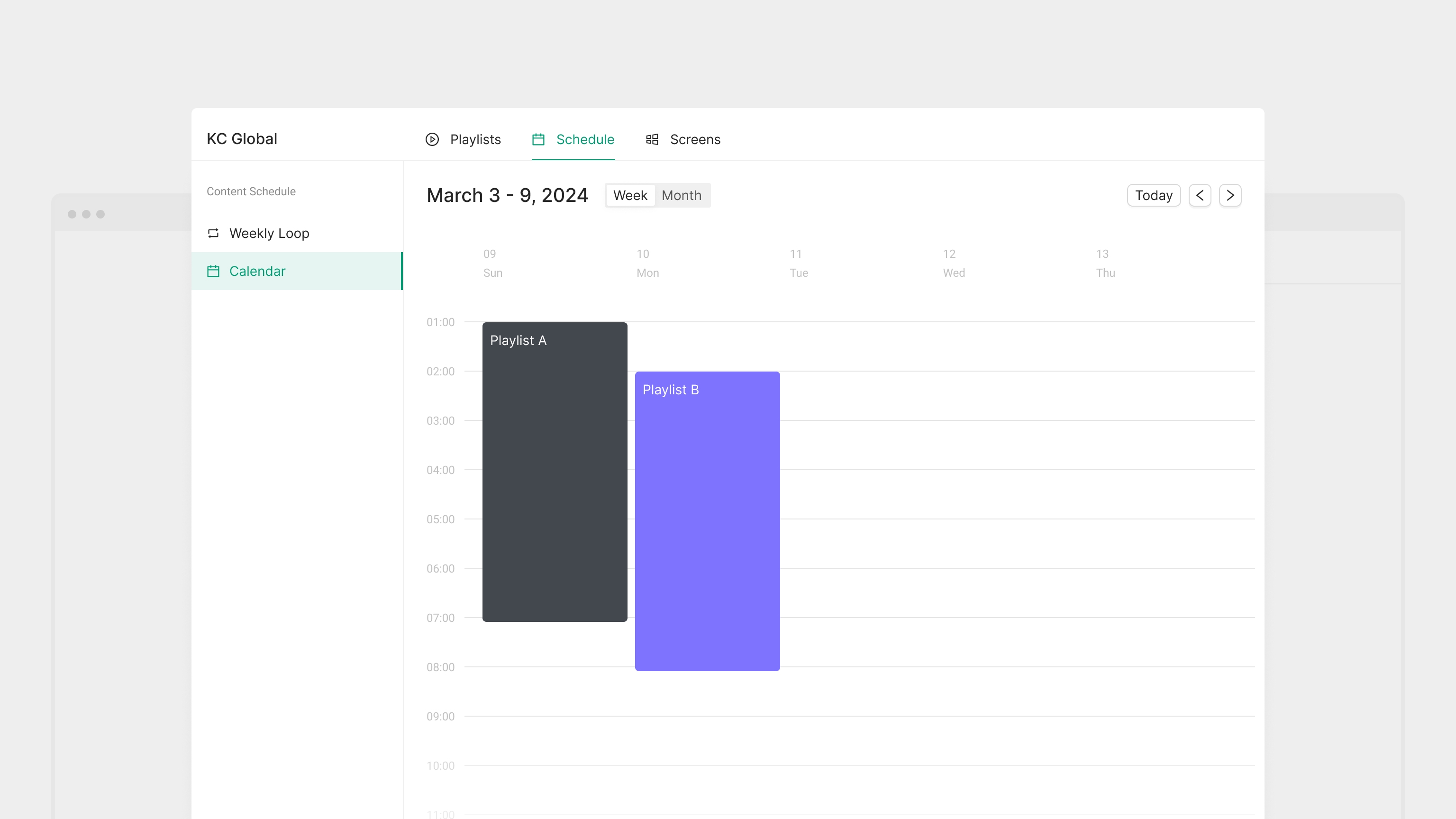
- Flexible scheduling and playlist management
- Remote monitoring and control of displays
- Integration with external data sources and applications
- User role management with access controls
- Responsive design for access via desktops, tablets, and smartphones
- Analytics and reporting tools for performance tracking
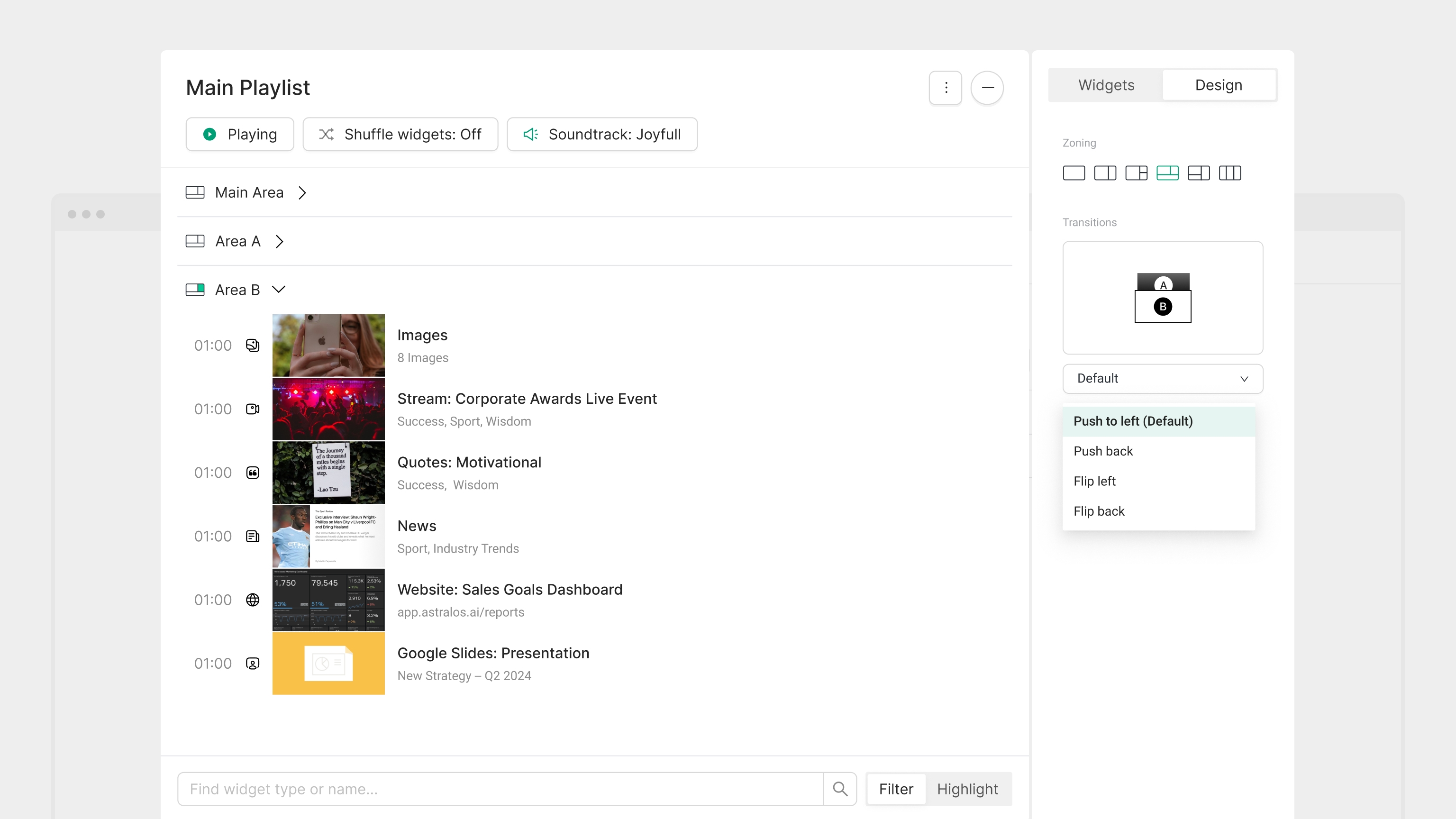
- Multi-zone screen layouts for displaying diverse content simultaneously
- Interactive kiosk support for touch-enabled applications
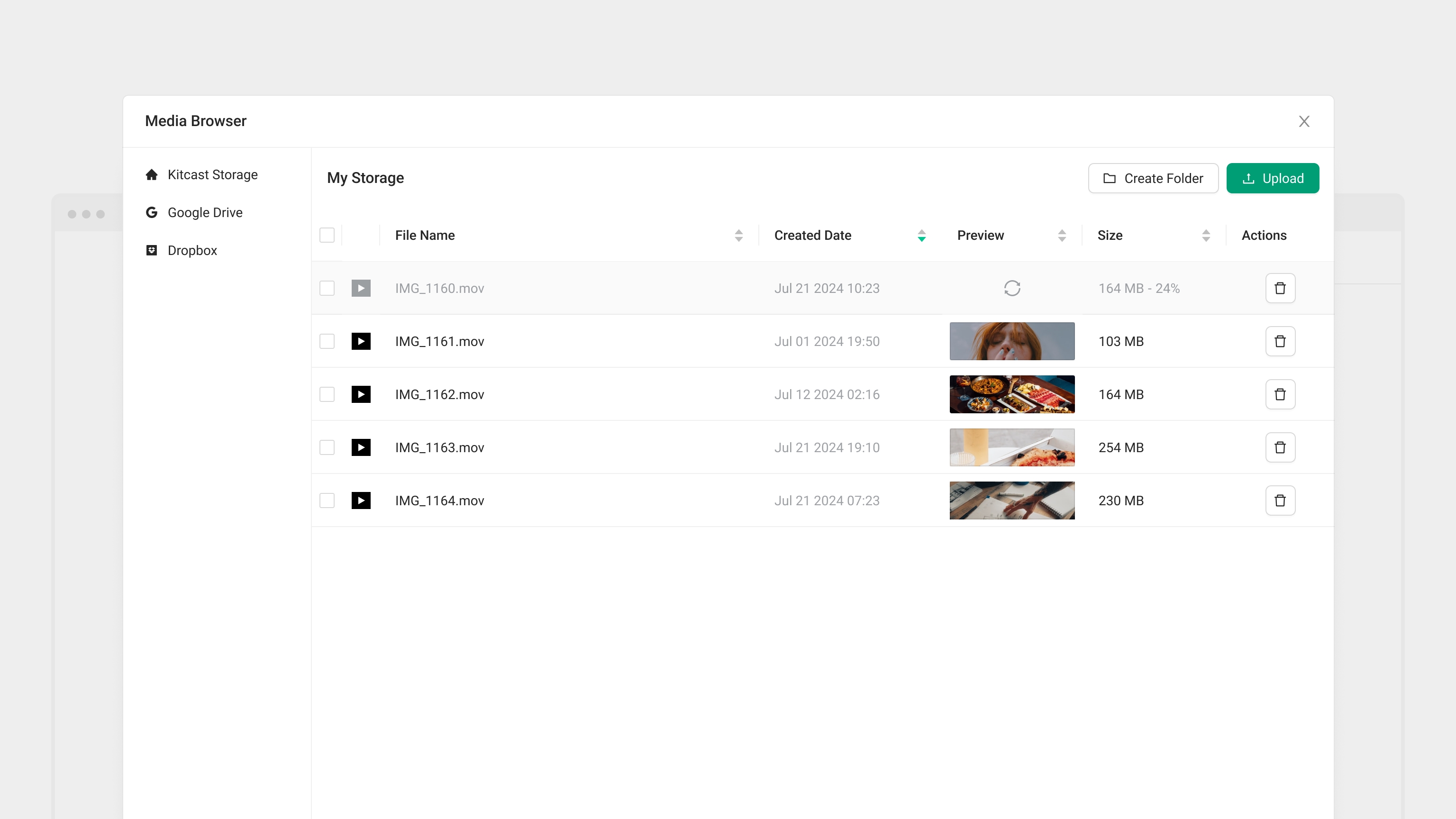
- Support for various media formats (images, videos, HTML5, RSS feeds)


 United States