
Software > Controlling and Cost Accounting > Business Planning > elKomPLAN
Software for integrated corporate planning, reporting and group consolidation

elKomPLAN

Software for integrated corporate planning, reporting and group consolidation


Updated on 05. Jan 2026 by Software Vendor

For efficient corporate planning and management, controllers and other decision-makers need transparent, reliable and meaningful information at all times, for example on cost trends, liquidity, sales and cash flow - in a clear and comprehensible form.

elKomPLAN is the flexible standard solution for integrated corporate planning with automatic creation of the planning objects balance sheet, income statement, liquidity and cash flow. Our planning software is used successfully by small and medium-sized companies as well as large corporations.

elKomPLAN is based on the OLAP database IBM Planning Analytics TM1 and uses Microsoft Excel as the front end. The IBM Planning Analytics TM1 Turbo Integrator accelerates data integration from existing systems and ensures short implementation times. The modular software thus enables integrated corporate planning in which planning objects can be created automatically in terms of accounting, liquidity, cash flow and profit and loss. This offers transparency and planning reliability, both for SMEs and large corporations. Another real advantage of this application is the accelerated data integration from existing data systems and the relatively short implementation times.


Your advantages when using the elKomPLAN software:

  • including predefined sub-plans for sales, personnel, costs and more
  • the subplans are easy to customize and expand
  • enables automatic periodization of the respective sub-plans
  • any number of highly individual sub-plans can be created and defined
  • the balance sheet, income statement, liquidity and cash flow are calculated automatically
  • supports top-down and bottom-up planning
  • enables drill-down for all financial items in the sub-plans
  • with Excel or optional web front end
  • individual reporting structures are clearly displayed and enable an objective target/actual comparison as well as time series
  • Excel packages are created and linked automatically
  • enables the automated import of data from existing database systems
  • includes a currency conversion function
  • multilingual and network-compatible application
  • supports individual extensions
  • no fixed number of planning versions, such as HR, Sim, Plan and more, or periodicity
  • versatile in use, including in controlling, the planning department or consolidation
  • all web and Excel integrations are dynamic and can therefore be read and written
  • IBM Planning Analytics TM1 provides a consistent data management and analysis layer
  • easy-to-use application that has proven itself
  • with a short implementation time
  • clear and easy-to-understand reports

Interfaces:

ASCII/Filetransfer
CSV
Excel
ODBC
Interface to financial accounting

Looking for the right software? Trust SoftGuide!

Our experts will find the perfect solution for you - independently and at the cutting edge of software trends.

Similar Software:

Corporate Planner
INVEST for EXCEL

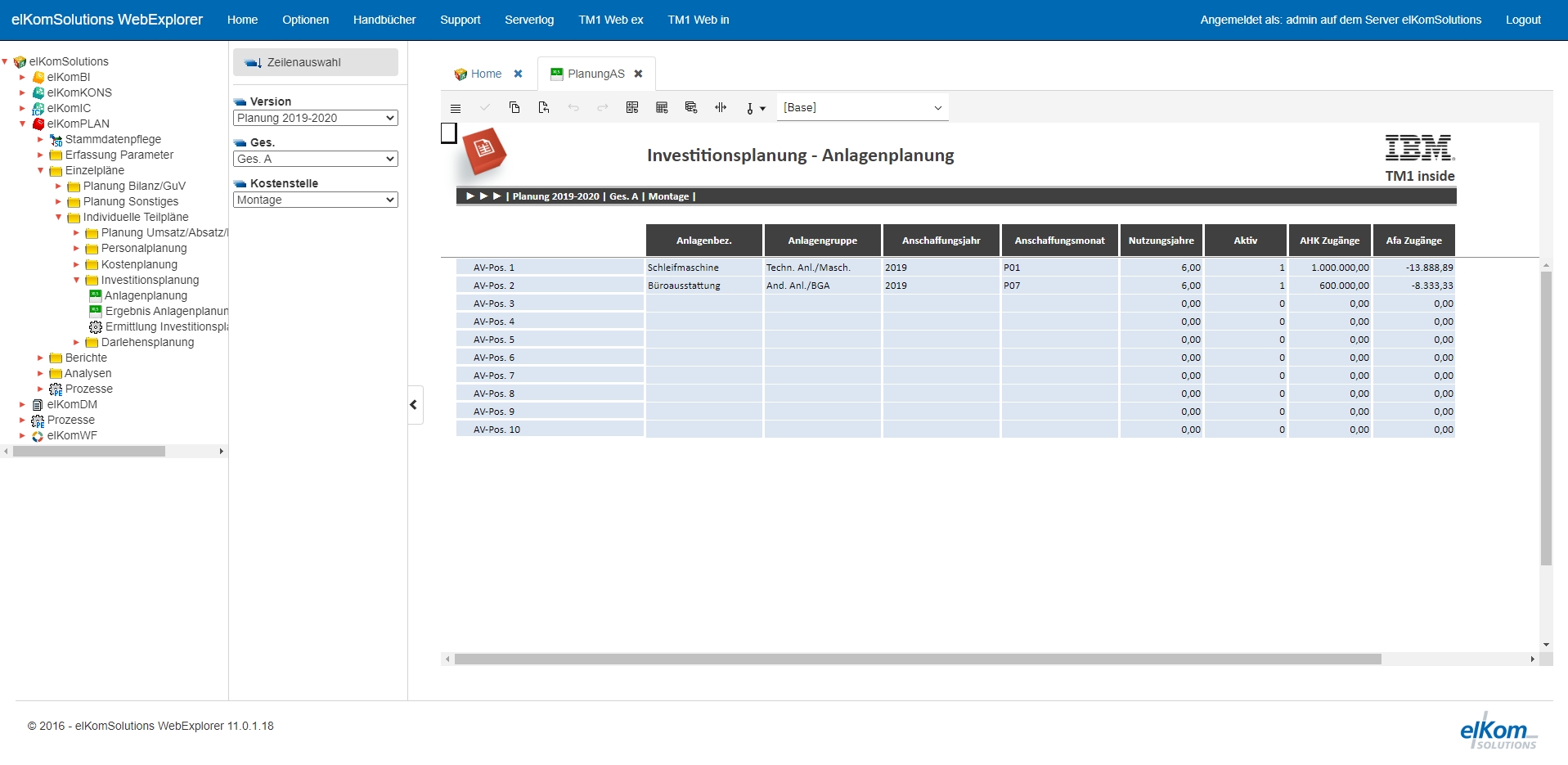
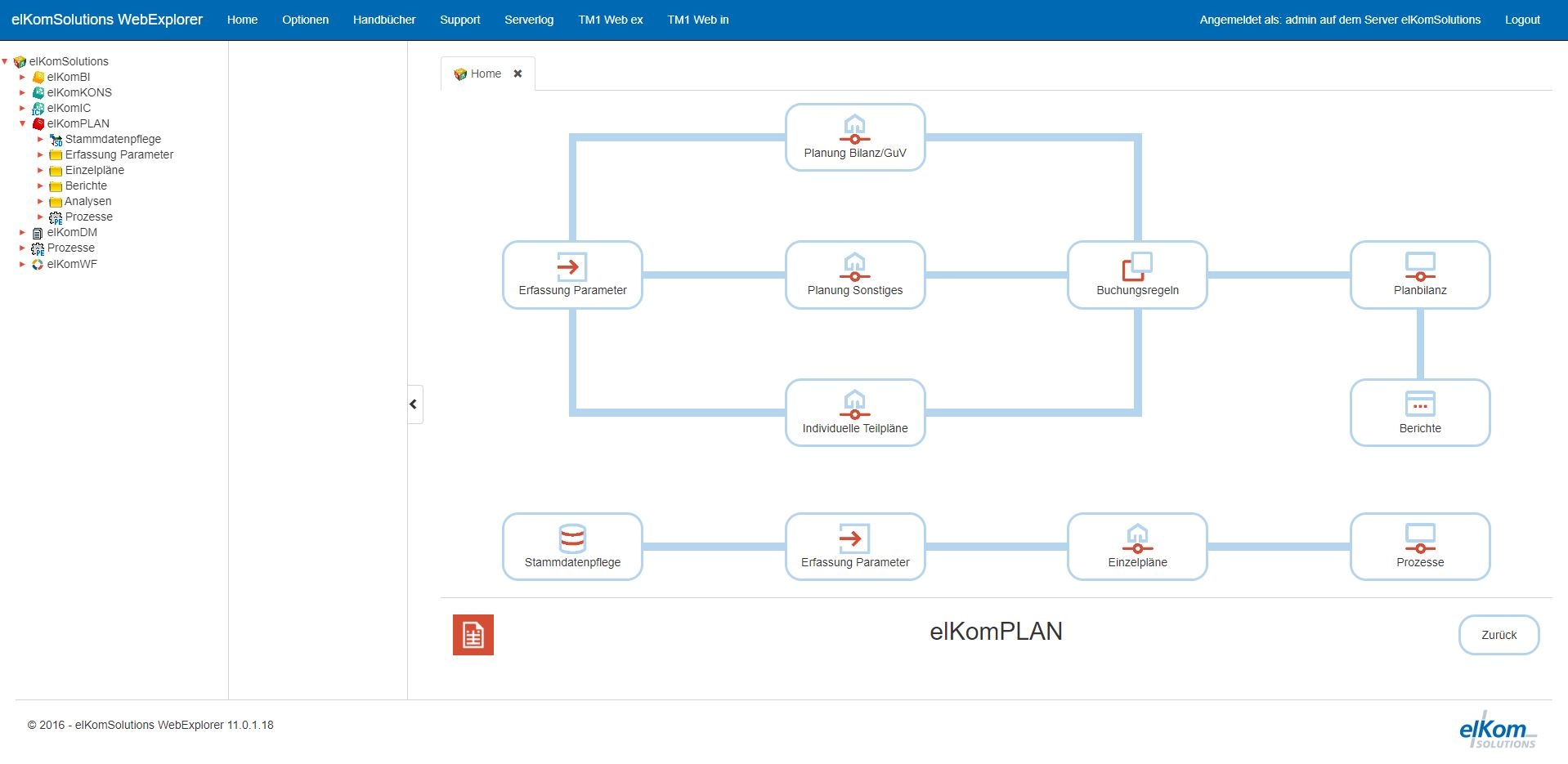
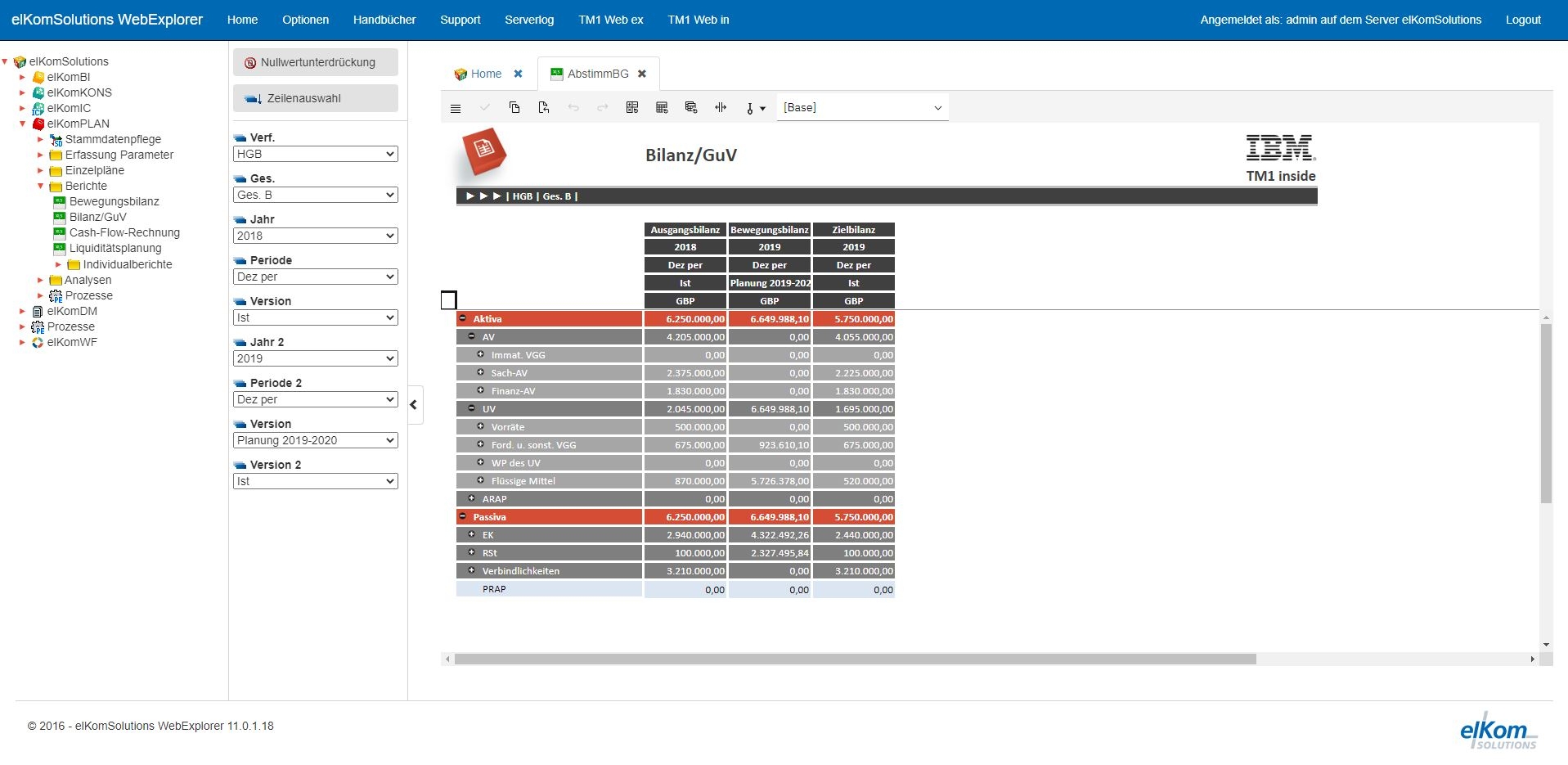
Screenshots

Functions (excerpt) of elKomPLAN:

1:n reports
access controls
Activity planning
Ad hoc reports
Aggregation and disaggregation
allocation of internal activities
Analysis functions
Area marketing
Balance sheet
Balance sheet analysis
Bill of material archive
Bill of material explosion
bottleneck detection
Budgeting
Business Charts
Business Intelligence (BI)
Calendar and appointment management
Capacity planning
Capital requirements analysis
Cash flow statement
Cash management
Change documentation
Collaboration
Collaborative Demand Planning, SCM
Compliance management
Consolidation
Contribution margin analysis
Control system
Controlling functions
Corporate planning
Cost allocations
cost and activity accounting
cost and quantity distribution
Cost center allocation
Cost of sales planning
Currency conversion
Customer - article income statements
Customer and consumer behavior
Dashboards
Data queries
Database interfaces
Digitization
Drill-down analysis
Early warning functions
Early warning indicators
employment planning
Enterprise management
ETL Processes
Export functions
Financial controlling
Financial planning
Financial ratios
Financial reporting
forecast result
Forecasting
Forecasting and planning
Foreign currencies
Indicators
Interest and amortization
Internal audit functions
Investment planning
Job planning
Key figure reports
Key figures and key figure systems
KPI
Liquidity planning
Liquidity ratios
Management Cockpit
Master data
Material cost planning
Material requirements planning
Merchandise group hit list
Message system
Milestones
Multi-project controlling
Multi-user capability
multidimensional sales planning
Multilingualism
Multitenancy
OLAP
Operating calendar
Organization chart
Overhead cost planning
P&L
parameter optimization
Performance analysis
Performance Management
Performance trends
Periodization of subplans
Personnel cost planning
Personnel planning
Personnel resource planning (PRP)
Plan variants
Planned balance sheets
Planned prices, planned quantities
Planning
Planning aids
Planning documents
Planning period
Planning sections
Planning variants and perspectives
previous year view
Problem management
Process cost accounting
Process management
Process monitoring
Process tracking
Product range analysis
Production controlling
Profitability planning
Project budgeting
Queries
Receivables management
Report management
Resource overview
Resubmissions
Return on equity and debt ratio
Revenue analyses
Risk assessment
Risk management
Role-based reporting
Rolling Planning
Sales controlling
Sales planning
Sales planning
Sales statistics
Sales statistics
Sales taxes
Scorecarding
Search
Seasonal periods
Simulation
Statistics
Status monitoring
Subplans
Subsidy and bank loans
Success controlling
Target and task tracking
Target management
Target/actual comparisons
Time recording
Trade tax
User management
Visualization
Visualization tools
What-if analyses
Workflow management

Looking for the right software? Trust SoftGuide!

Technical specifications:

Manufacturer:
elKomSolutions GmbH
Web-based:
yes
SaaS, Cloud:
yes
On-premises (local installation):
yes
Multi-user (network-compatible):
yes
Multi-client compatible:
yes
Maintenance:
for a fee
Customizing:
possible for a fee
First installation (year):
1997
Number of installations:
> 150
Manufacturer based in:
Germany
Training:
for a fee
Hotline:
for a fee
Installation support:
for a fee
Documentation:
Manual, Online Help, Technical documentation
Dialogue language(s):
English, German
System requirements:
Compatible operating systems (runs with):
Win 11
Win 10
Win Server
Mainframe based
Unix based
Linux based
Mac OS
Mobile OSs (supports):
iOS
Android
Old Compatible Operating Systems:
Win 8
Win 7
Win Vista
Win XP
Win 9x/ME
Min. memory requirements:
2 GB RAM, 500 MB Hard disc
Data storage medium:
DVD
CD-ROM
Download
Flash memory

Alternatives

elKomPLAN
OCT planning
CIO Cockpit
Corporate Planner
OCT Integration
MSO Maßnahmen-/Workflow-Management
TimeTrack
CRISAM® GRC
BusinessPlanner
INVEST for EXCEL
Board
elKomPLAN
OCT planning
CIO Cockpit
Corporate Planner
OCT Integration
MSO Maßnahmen-/Workflow-Management
TimeTrack
CRISAM® GRC
BusinessPlanner
INVEST for EXCEL
Board
Elevator Pitch
Software for integrated corporate planning, reporting and group consolidation
Unlimited possibilities for corporate planning at operational level
Create transparency in your IT - for more efficiency and cost optimisation.
Software for Corporate Performance Management
Automated data integration from all ERP systems: DATEV, SAP and many more.
MSO Maßnahmen-Manager – direkt einsetzbar – beliebig skalierbar – einfach konfigurierbar
Time Tracking and Automatic Scheduling for Companies
Risk management for your company
The planning software for transparent and up-to-date corporate planning
Best Practice in the valuation of investments
Programming-free toolkit for analysis, reporting, planning & forecasting
Multi-user (network-compatible)
yes
yes
no
yes
yes
yes
yes
yes
yes
yes
yes
Multi-client compatible
yes
yes
no
yes
yes
yes
yes
yes
yes
no
yes
Compatible with


Interfaces
ASCII/Filetransfer
CSV
Excel
ODBC
Interface to financial accounting
SAP
API
API (Webservice)
Azure AD
CSV
Excel
LDAP
REST API
SAML
WEB-API
XML
API
Azure AD
CRM
Database
DATEV
easybill
easysecure
ERP
LDAP
lexoffice
Microsoft 365
Microsoft Active Directory
Navision
Personio
SAP
sevdesk
API
CSV
REST API
XML
Other requirements for soft- and hardware
MS Excel 2007, 2010, 2013, 2016, 2019, Office 365
Dialogue language(s)
English, German
English, German
German
English, German
English, German
English, German
English, German
English, German
English, German
English, German, Spanish, French, Italian, Japanese
Documentation
Manual
Online Help
Demo version
Technical documentation
Manual
Online Help
Demo version
Technical documentation
Manual
Online Help
Demo version
Technical documentation
Manual
Online Help
Demo version
Technical documentation
Manual
Online Help
Demo version
Technical documentation
Manual
Online Help
Demo version
Technical documentation
Manual
Online Help
Demo version
Technical documentation
Manual
Online Help
Demo version
Technical documentation
Manual
Online Help
Demo version
Technical documentation
Manual
Online Help
Demo version
Technical documentation
Manual
Online Help
Demo version
Technical documentation
Number of installations
> 150
> 4.000 Unternehmen
2500
500+
3.500
3.000
First installation (year)
1997
2013
1994
2013
2001
2014
1995
1995
Functions
147/147
55/147
39/147
38/147
34/147
20/147
20/147
17/147
13/147
11/147
9/147
Compare other alternatives to elKomPLAN