What is Pickcel?
Pickcel is a cloud-based digital signage software that enables organizations to create, schedule, and manage multimedia content across a network of displays. With support for both cloud and on-premise deployments, Pickcel caters to diverse operational needs, ensuring flexibility and control over digital communications.
Advantages of Using Pickcel:
- User-Friendly Interface: Pickcel offers an intuitive drag-and-drop editor, allowing users to design and manage content without technical expertise.
- Extensive Integrations: The platform supports over 60 content apps and integrations, including tools like Slack, Zoom, Power BI, and social media platforms, facilitating dynamic content delivery.
- Scalability: Whether managing a single screen or a vast network, Pickcel scales seamlessly to accommodate growing business needs.
- Real-Time Updates: Users can publish content instantly, reducing time-to-market and ensuring timely communication.
- Security and Compliance: Pickcel is SOC 2 and ISO 27001 certified, ensuring high standards of data security and compliance.
- Mobile Management: The Pickcel Go mobile app allows users to manage their digital signage network on the go, providing flexibility and convenience.
Functions Extract:
- Content Creation: Utilize built-in design tools and templates to create engaging content, including images, videos, and interactive elements.
- Scheduling and Playlists: Schedule content based on time, date, or specific events, and manage playlists for different screens or groups.
- Remote Monitoring and Control: Monitor the status of displays, troubleshoot issues, and update content remotely through a centralized dashboard.
- Multi-Zone Layouts: Design screens with multiple zones to display diverse content simultaneously, enhancing viewer engagement.
- Interactive Kiosk Support: Deploy interactive kiosks with touch-enabled applications for enhanced user interaction.
- Analytics and Reporting: Access performance metrics and audience analytics to measure the effectiveness of content and campaigns.
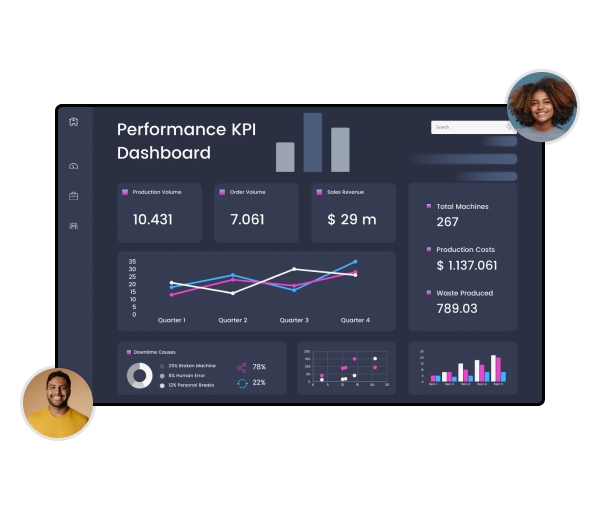
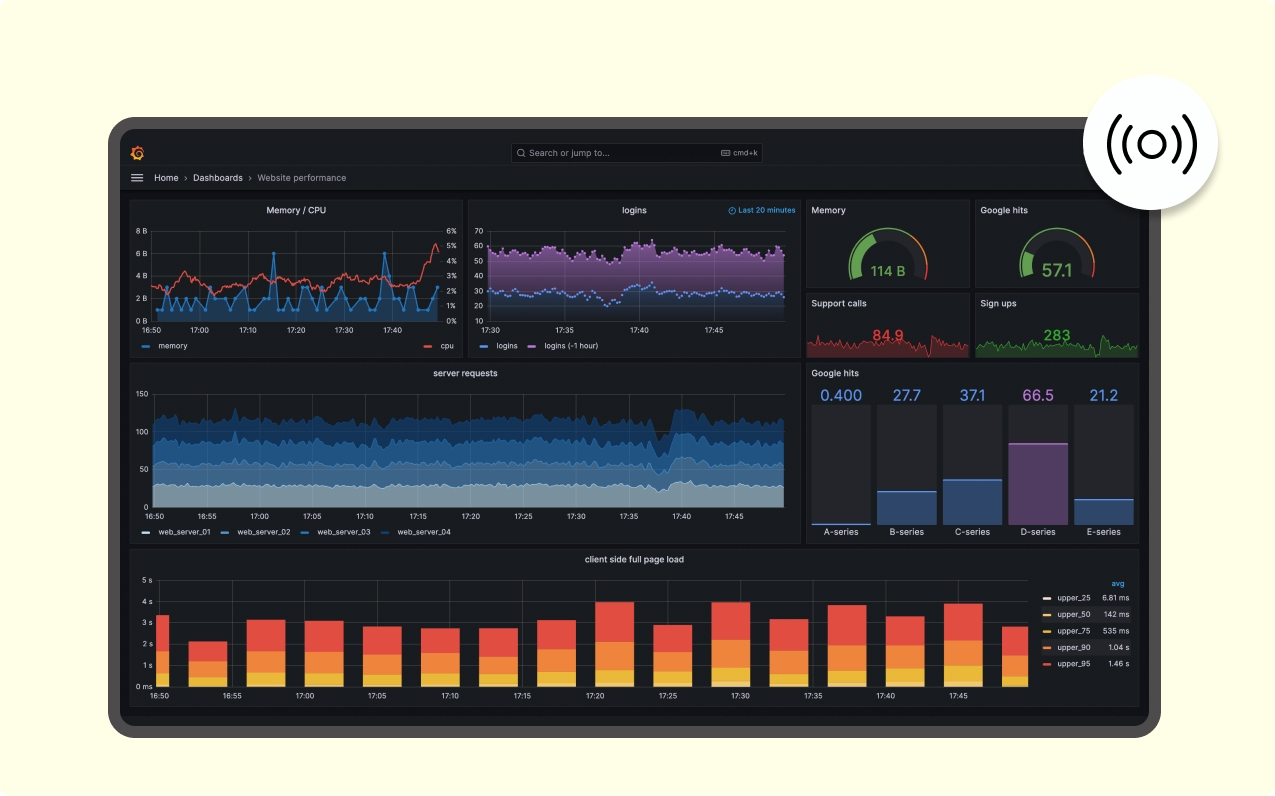
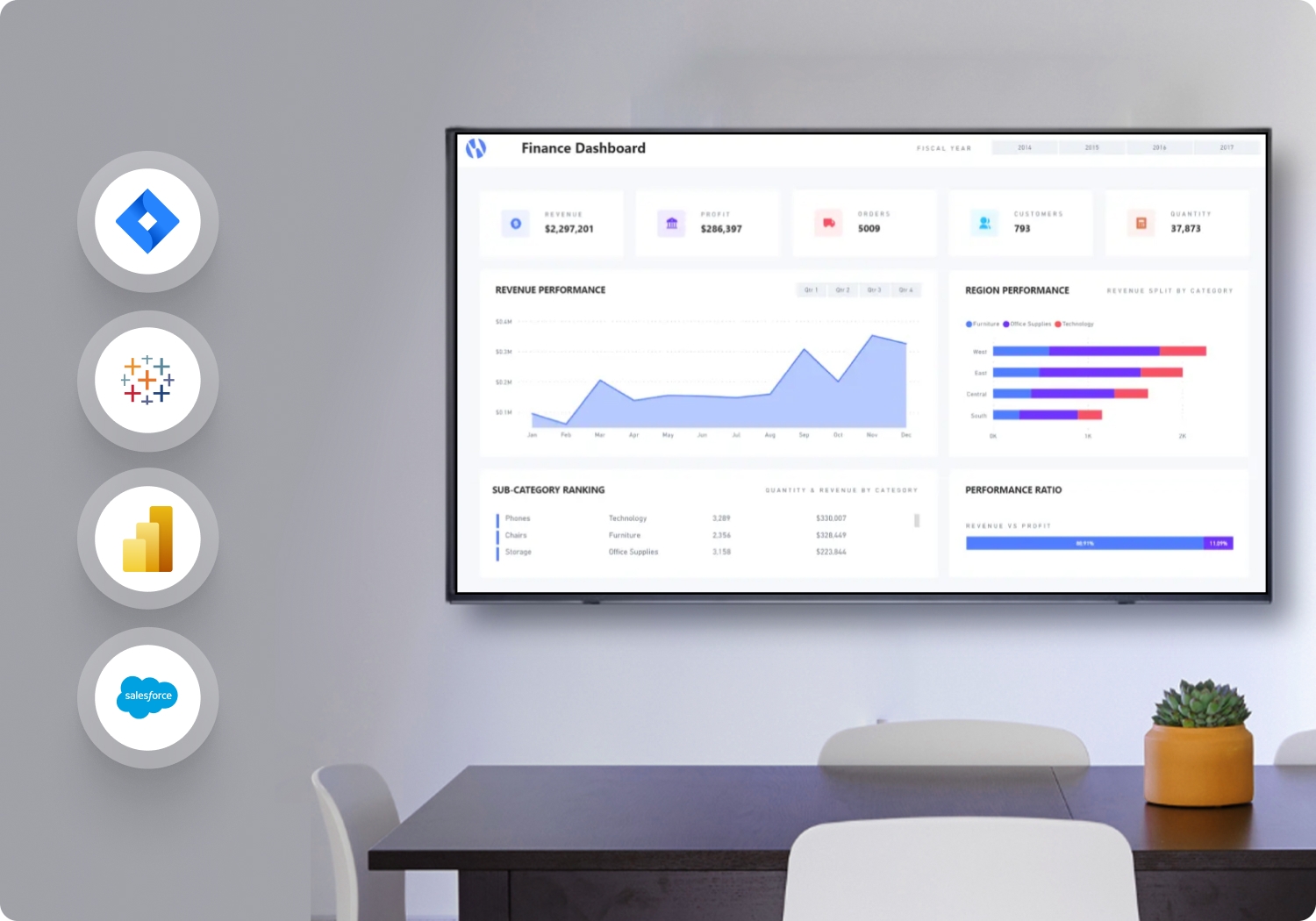
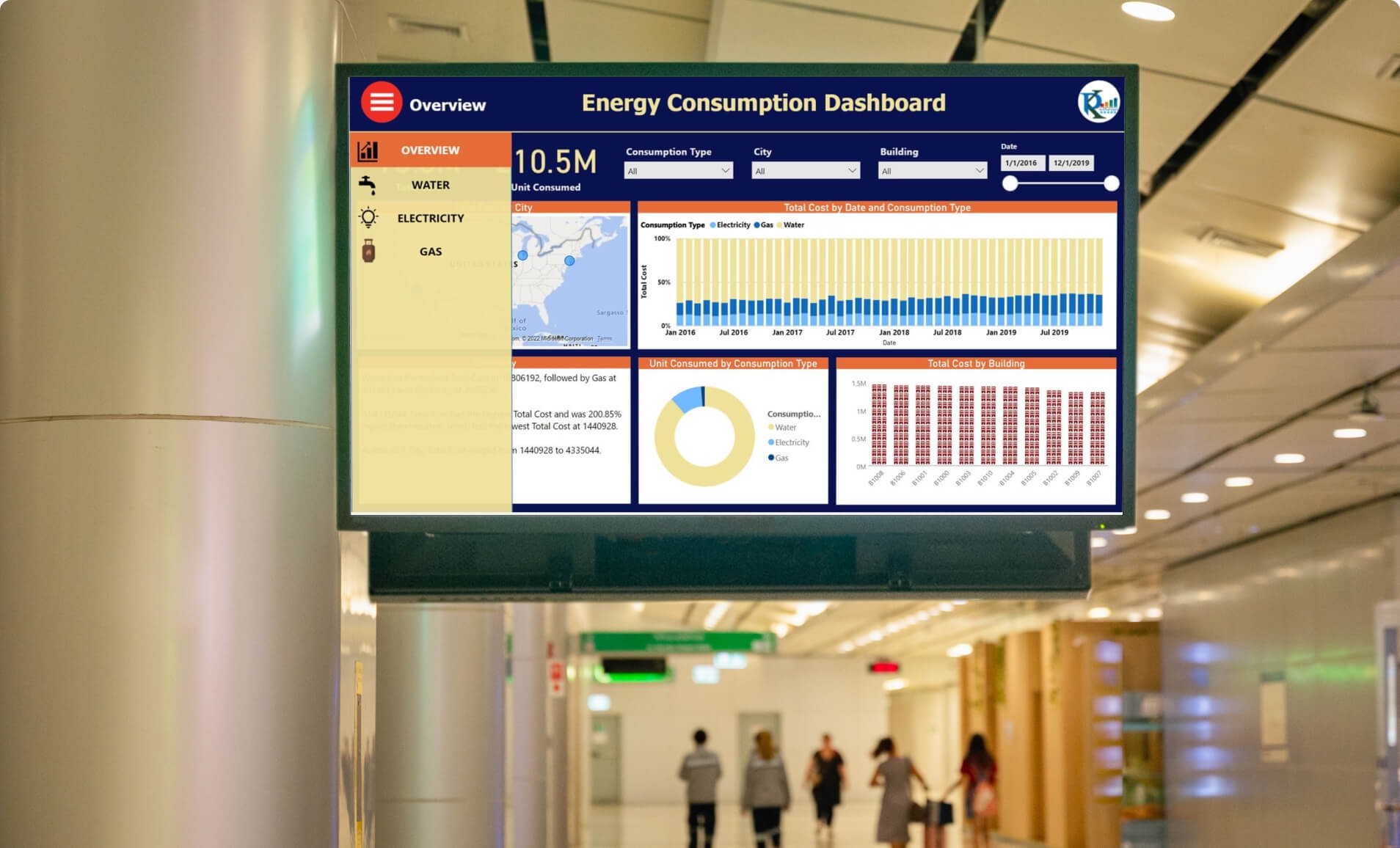
- Live Streaming and Dashboards: Integrate live streams and real-time dashboards from platforms like Power BI and Tableau to display up-to-date information.
- On-Premise Deployment: For organizations requiring enhanced security, Pickcel offers on-premise deployment options, allowing content management within the organization's local servers.



 India
India