Software > Multimedia Content > Digital Signage > Cenareo
Cloud-based digital signage platform for dynamic, contextual content delivery.

Cenareo

Cloud-based digital signage platform for dynamic, contextual content delivery.


Updated on 24. Dec 2025 by SoftGuide

What is Cenareo?

Cenareo is a digital signage solution developed for companies that need powerful, yet easy-to-use tools for managing visual communication. Delivered via the cloud, it lets users control content for any number of screens from anywhere—ideal for everything from in-store promotions to workplace announcements.

Why Use Cenareo?

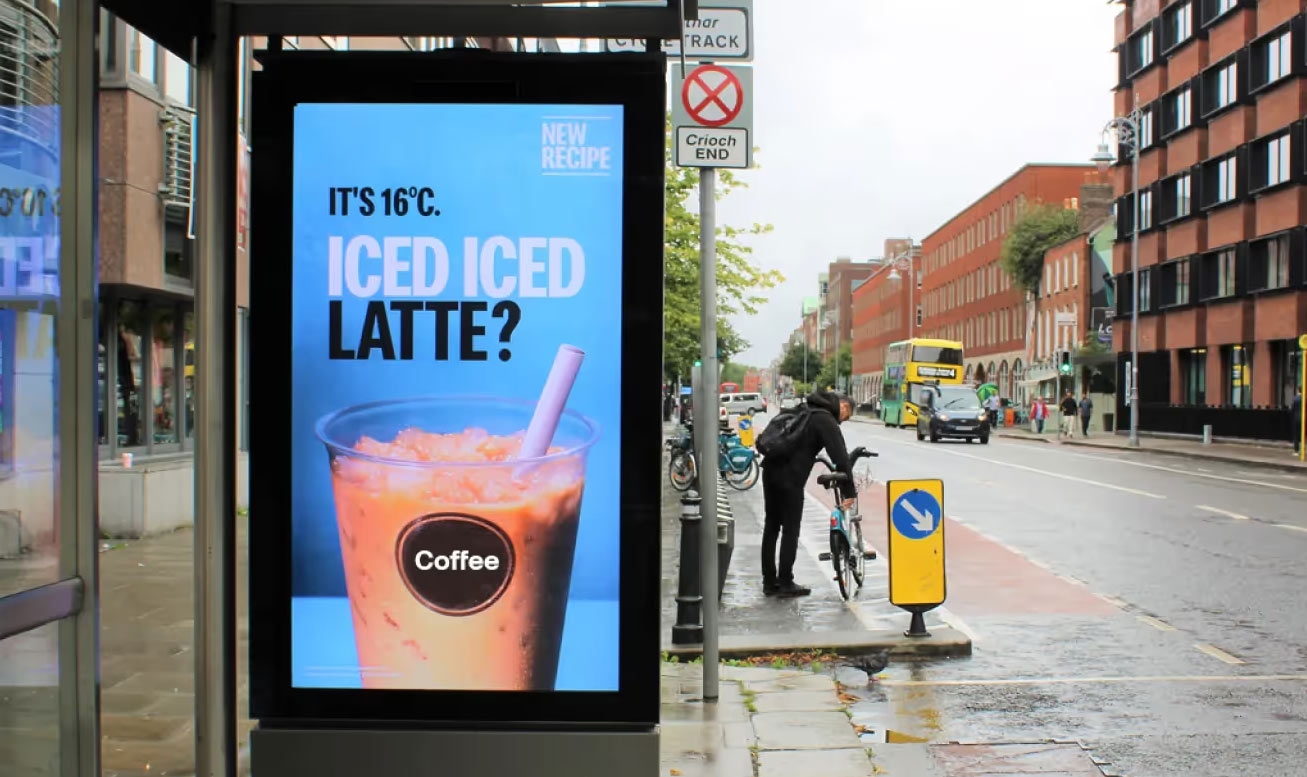
  • Targeted Display Automation: Cenareo allows messages to adapt to real-world factors such as audience profile, location, time, and even the weather, making communications more relevant and engaging.
  • Effortless Content Control: The interface is designed for simplicity, enabling marketing or operations teams to create, plan, and publish multimedia content without technical training.
  • Real-Time and Centralized Updates: Users can make instant changes to playlists and campaigns across entire screen networks from a single online dashboard.
  • Enterprise Scalability: Whether you have five screens or five thousand, Cenareo accommodates growing digital signage networks while maintaining centralized or distributed control.
  • Trusted Data Security: Cenareo follows strict privacy practices and offers user access controls, giving peace of mind to businesses managing sensitive content or operating across multiple regions.

Core Capabilities Overview:

  • Contextual content triggers (e.g., time, weather, location)
  • Visual campaign planning and screen grouping
  • Media player compatibility across multiple platforms
  • Integrations with data systems like Power BI or social feeds
  • Multi-user roles and access governance
  • Live dashboard for monitoring screen status
  • Analytics and performance tracking
  • Multizone screen layouts and HTML5 media support
Looking for the right software? Trust SoftGuide!

Our experts will find the perfect solution for you - independently and at the cutting edge of software trends.
 

Functions (excerpt) of Cenareo:

Alerts
Approval workflow for drafts
Authorization management
Authorization profiles
Campaign management
Cloud
Collaboration
Content creation
Content-Management-System (CMS)
Dashboards
Digital Signage
Freely definable evaluation criteria
Interface to social media
Mobile playback options
Multi-user capability
Multiple locations, branches, sales areas
Offline playback
Online performance monitoring
Orchestration of Restart Processes
Release management
Remote maintenance
Remote Management
Reporting
Rights management
Role Management
Scheduling
Target groups
Targeting
Template-based document creation
Time planning
Timing options
To-do lists
User Groups
User management
Warning thresholds
Web Analytics

Looking for the right software? Trust SoftGuide!

Technical specifications:

Manufacturer:
Cenareo
Web-based:
yes
SaaS, Cloud:
yes
On-premises (local installation):
no
AI Supported:
no
Multi-user (network-compatible):
no
Multi-client compatible:
no
Manufacturer based in:
France
Dialogue language(s):
English
System requirements:
Compatible operating systems (runs with):
Win 11
Win 10
Win Server
Mainframe based
Unix based
Linux based
Mac OS
Mobile OSs (supports):
iOS
Android
Old Compatible Operating Systems:
Win 8
Win 7

Corresponding categories for Cenareo:

Alternatives

Cenareo
Cavok
FrontFace
Event-IS
Cenareo
Cavok
FrontFace
Event-IS
Elevator Pitch
Cloud-based digital signage platform for dynamic, contextual content delivery.
Organize, edit and distribute digital content centrally
Software for professional digital signage and kiosk applications
IT solution for room & workstation booking, conference management and digital signage
Multi-user (network-compatible)
no
yes
yes
yes
Multi-client compatible
no
yes
no
yes
Compatible with


Other requirements for soft- and hardware
.NET Framework 4.6.1 or higher (will be installed automatically if not available) Windows Media Player 11 or higher (only required for video playback) Any display(s): All resolutions and aspect ratios (portrait/landscape) are fully supported, including Full HD and 4K, of course
Database: Oracle version 8i or higher or MS-SQL version 2000 or higher
Dialogue language(s)
English
English, German, Spanish, French, Italian
English, German, French
Documentation
Manual
Online Help
Demo version
Technical documentation
Manual
Online Help
Demo version
Technical documentation
Manual
Online Help
Demo version
Technical documentation
Manual
Online Help
Demo version
Technical documentation
Number of installations
mehr als 100
> 145
First installation (year)
2011
1999
Functions
36/36
5/36
5/36
4/36