What is Skykit
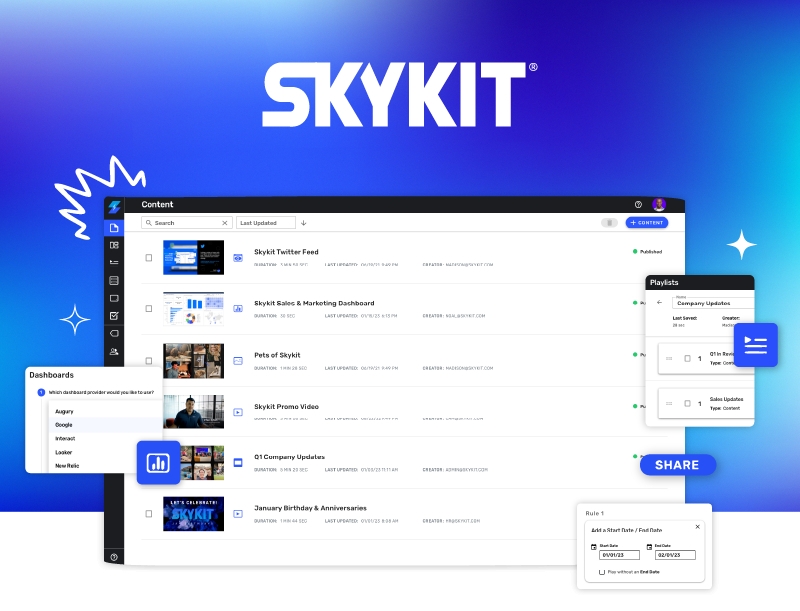
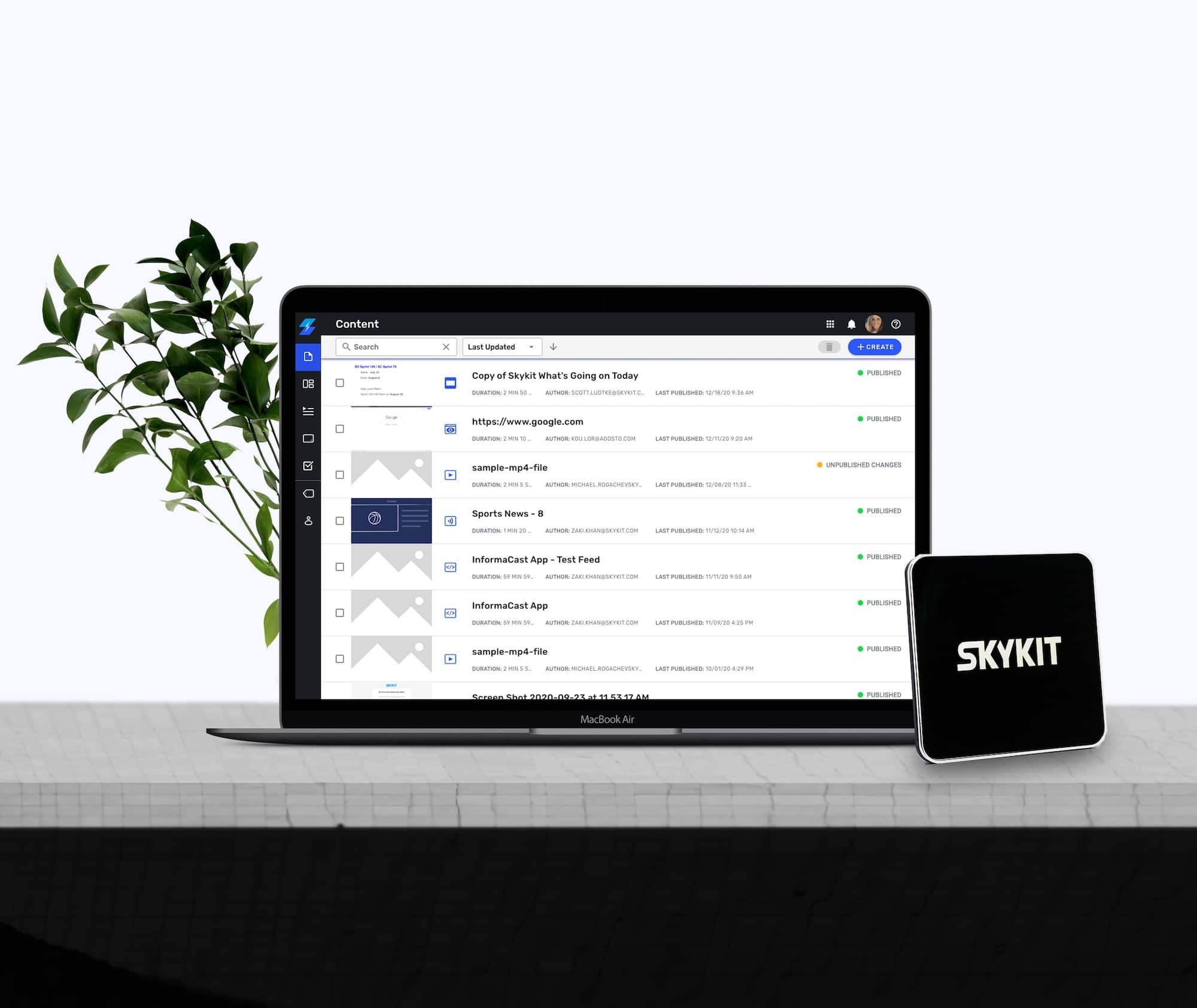
Skykit is a cloud-based digital signage platform designed to simplify the creation, scheduling, and management of multimedia content across various displays. Operating as a Software as a Service (SaaS) solution, it allows users to manage their digital signage remotely through a web-based interface, eliminating the need for on-premise installations. Skykit supports multiple operating systems, including Android, Windows, macOS, and Linux, ensuring flexibility in deployment. The platform is compatible with any screen that has an HDMI input and a standard 16:9 aspect ratio. A dedicated digital sign player connects to the display and the internet, enabling seamless content updates.
Advantages of using Skykit
- Cross-Platform Compatibility: Supports Android, Windows, macOS, and Linux, allowing integration with existing hardware.
- Cloud-Based Management: Enables remote content creation, scheduling, and updates from any location with internet access.
- User-Friendly Interface: Offers an intuitive drag-and-drop editor, making it accessible for users without technical expertise.
- Scalability: Suitable for businesses of all sizes, from single-location setups to multi-location networks.
- Offline Functionality: Ensures continuous playback even during internet outages, as content is cached locally on the device.
- Interactive Features: Provides support for touch screens and other interactive elements to enhance audience engagement.
- Real-Time Updates: Allows instant content updates across all connected displays, ensuring timely and relevant messaging.
- Custom Hardware Options: Offers custom-fabricated enclosures and displays for a complete digital signage solution.
Functions Extract
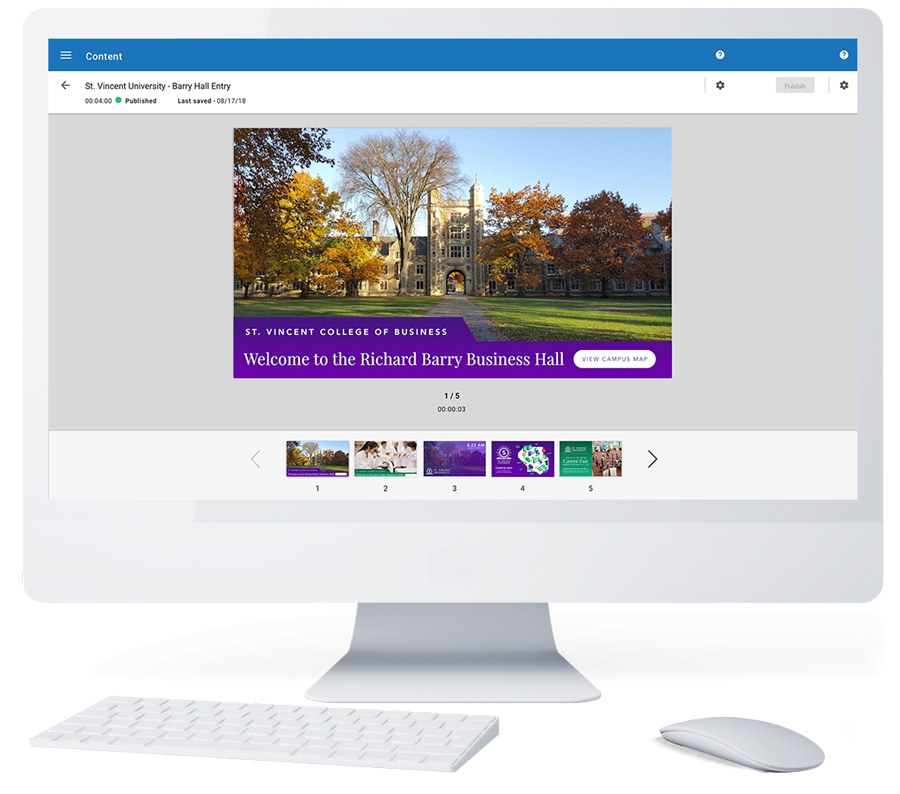
- Content creation with customizable templates and widgets
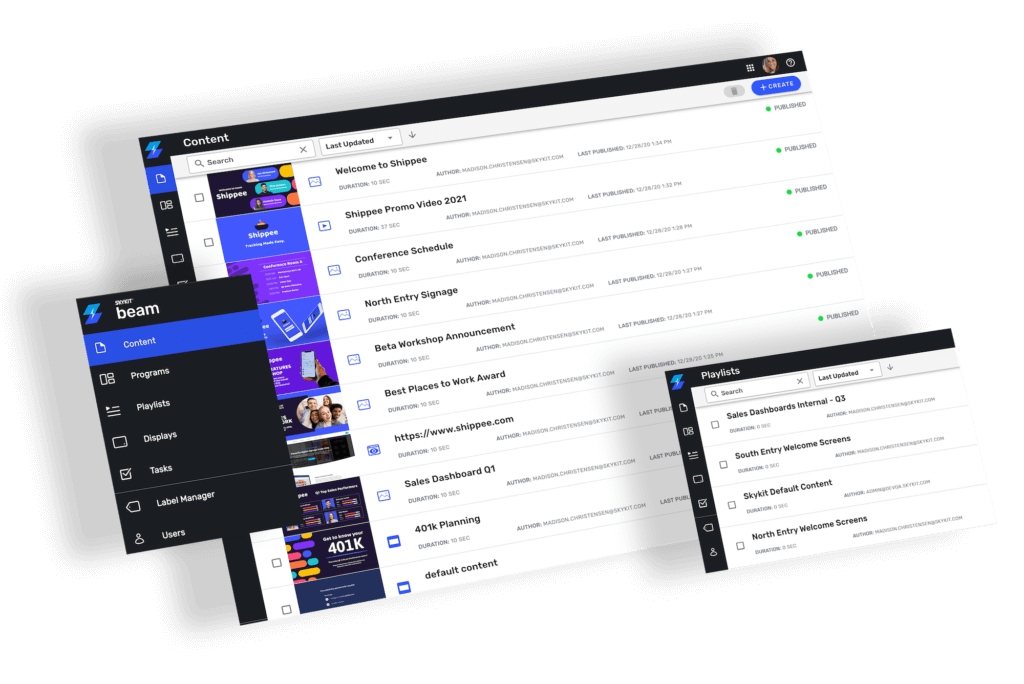
- Flexible scheduling and playlist management
- Remote monitoring and control of displays
- Support for various media formats (images, videos, HTML5, RSS feeds)
- Integration with external data sources and applications
- User role management with access controls
- Responsive design for access via desktops, tablets, and smartphones
- Analytics and reporting tools for performance tracking
- Multi-zone screen layouts for displaying diverse content simultaneously
- Interactive kiosk support for touch-enabled applications