Software > Healthcare, social work and Medicine > Medical Practice Management > Clinc
Create, send, and track payments for GOÄ private invoices.

Clinc

Create, send, and track payments for GOÄ private invoices.


Updated on 26. Nov 2026 by Catalys Health GmbH
Demo version

What is Clinc?

With Clinc, you can handle private billing in accordance with the German Scale of Medical Fees (GOÄ) within your own organization. The software supports you every step of the way—from importing billing data, through approval and dispatch, to monitoring incoming payments and managing collections. This keeps billing in-house at your practice, while recurring administrative tasks are largely automated. Clinc is designed specifically for medical practices, group practices, medical care centers (MVZ), and facilities that handle private medical billing.

Import Invoice Data Instead of Re-entering It

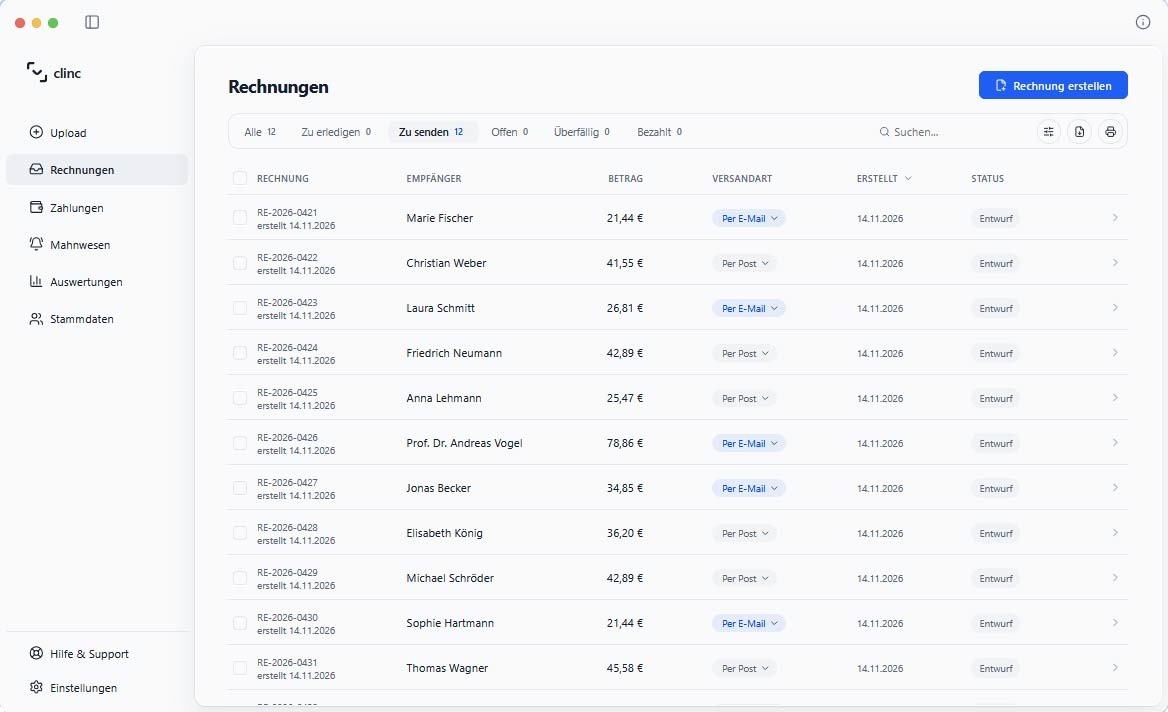
You continue to work with your usual practice management system. For billing, you import a PADnext file or an existing invoice PDF into Clinc. The application transfers relevant information—such as the invoice recipient, GOÄ items, and amounts—into a structured transaction. This eliminates the need to retype this information. Before sending, you review the invoice and explicitly approve it. The decision regarding which invoice is sent thus remains with you.

Highlights and Key Features

  • GOÄ Private Billing: Creation and management of private medical invoices based on existing billing data.
  • PADnext and PDF Import: Import of billing information from your existing practice software.
  • Practice Approval: You review and approve every invoice before it is sent.
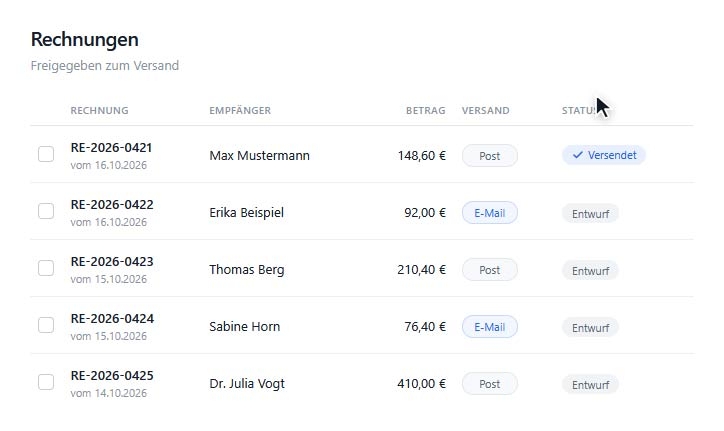
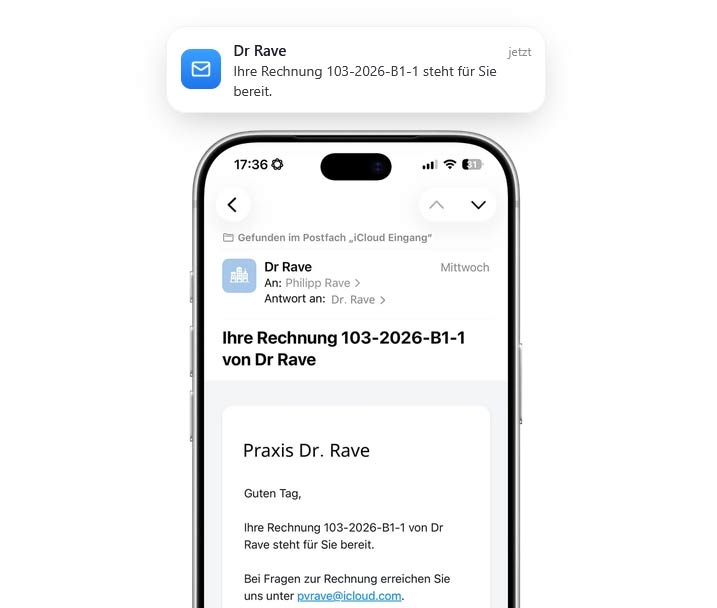
  • Digital and Postal Delivery: Sent via email with access to the patient portal or as a traditional letter, without your team having to print and envelope them themselves.
  • Automatic payment reconciliation: Matching incoming bank transfers and supported card payments to outstanding invoices.
  • Open Items and Partial Payments: Overview of paid and outstanding receivables; recognized partial payments are available for review.
  • Configurable dunning process: Automatic payment reminders and dunning notices with customizable stages and deadlines.
  • Debt collection as needed: Option to transfer long-overdue receivables to a connected debt collection service.
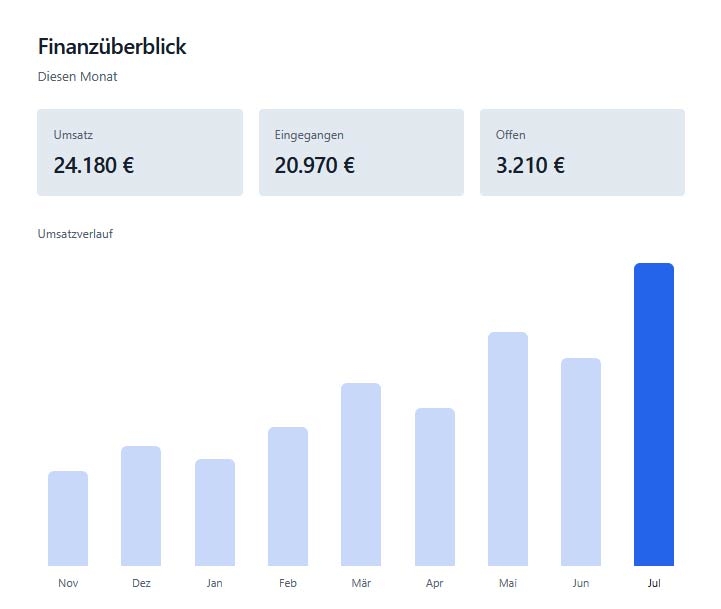
  • Financial Overview and DATEV Export: Display of sales, incoming payments, and open items, as well as data export for your tax advisor.

Keep track of payments and reminders

The work doesn’t end once an invoice is sent. Clinc reconciles incoming payments with outstanding receivables and marks paid invoices. Partial payments are also recognized and can be reviewed by your team. For outstanding amounts, you can specify when a reminder or demand notice should be sent. Invoices that have already been paid are taken into account in this process to help you avoid unnecessary demand notices. If necessary, you can exclude individual transactions from the demand process or hand over further debt collection to a third-party collection agency.

Billing Tailored to Your Practice’s Organization

The application can be operated locally in your practice or as a cloud-based version with a data center in Germany. This provides you with a solution for a sensitive administrative area without having to completely replace your existing practice management system. Clinc is not a full-fledged financial accounting system: Data is available via a DATEV export for further accounting processing.

Would you like to simplify your current private billing process or gradually take over the work of an external billing agency yourself? Talk to us about your practice workflows. In a personalized demonstration, we’ll show you how Clinc processes existing billing data and how sending invoices, payment tracking, and collections fit into your daily workflow.
Target groups:

  • Private-practice physicians who bill privately under the GOÄ
  • Private practices and specialist practices
  • Group practices and medical practice partnerships
  • Medical care centers (MVZ) providing private medical services
  • Hospitals and outpatient facilities that bill under the GOÄ

Screenshots

Functions (excerpt) of Clinc:

Accounting functions
Accounting processes
Collection management
Create invoices directly
Credit card payment
Customer data import
Dashboards
Data import
DATEV export
DATEV interfaces
Dunning
Dunning processing
E-Mail dispatch
E-mail invoice dispatch
Electronic payments
File import
Financial status
GDPR compliant
Import functions
Incoming payments
Invoice items
Invoice printing
Invoice verification
Invoices
Invoicing
Invoicing
Medical billing
Open item management
Outgoing invoices
Payment entry
Payment methods
Payroll data
Private liquidation
Receivables management
Tax consultant interface
Text templates, sample texts

Price

from 0.99
EUR
plus 19% VAT
once
per invoice
Contact information:
Mr. Ole Clauß
+49 176 45789162
Explore more about the software:
Information
directly to the product website
Software exposé
request URL
Prices
directly to the product website
Contact:
Send message

Technical specifications:

Web-based:
yes
SaaS, Cloud:
yes
On-premises (local installation):
yes
AI Supported:
yes
Multi-user (network-compatible):
yes
Multi-client compatible:
yes
Maintenance:
included in price
Customizing:
included in price
Manufacturer based in:
Germany
Training:
included in price
Hotline:
included in price
Installation support:
included in price
Documentation:
Online Help, Demo version
Dialogue language(s):
German
System requirements:
Compatible operating systems (runs with):
Win 11
Win 10
Win Server
Mainframe based
Unix based
Linux based
Mac OS
Mobile OSs (supports):
iOS
Android